
What North Shore Firms Should Not Automate
Most AI consultants will automate anything you point at. Here is the short list I tell clients to leave alone.


Key Takeaways
- ✓ The list of tasks worth automating is long. The list of tasks to keep human is short, and it matters more. Leave the final decision, the relationship moments, and anything that carries your signature to a person.
- ✓ Inaccuracy is the most common problem firms hit with AI. In McKinsey's State of AI survey, about half of organizations that use AI reported at least one negative consequence, and inaccurate output was the one reported most.
- ✓ The firms that get the most from AI draw the human line clearly. McKinsey found high performers were far more likely to run a defined human-in-the-loop review than everyone else.
- ✓ The rule is simple. AI drafts and organizes. A person decides and signs. Build that gate first, then automate everything behind it.
Most AI consultants will automate anything you point at. I will not.
When a partner at a law firm or an owner at an insurance agency asks me what they should automate, I usually start with the opposite question. What should stay human? The honest answer to "where does AI fit" begins with a short list of places where it does not. That list is what protects the work.
I build these systems for professional-services firms on Chicago's North Shore. The tools are good and getting better. But the failures I see do not come from firms that automate too little. They come from firms that automate one step too far, past the point where a person should have stayed in the chair.
Start With the Line, Not the Tool
The wrong way to plan an AI rollout is to ask what the software can do. It can do a lot. The better question is where a wrong answer costs you a client, a license, or a lawsuit. That is where a person stays.
This is the same logic the federal government uses. The NIST AI Risk Management Framework tells organizations to sort AI uses by how much damage a bad output can do, then put human review points and override rights on the high-risk ones. You do not need a compliance department to copy the idea. You need one afternoon to mark which tasks in your firm carry real downside and which do not.
Three categories almost always belong on the keep-human side. The final decision. The relationship moments. And anything that goes out with your name on it.
The Final Decision Stays With a Person
AI is good at producing a draft. It is not good at being responsible for one. A general model predicts text that looks right, which is a different thing from text that is right. When it does not know an answer, it does not stop. It produces a confident, well-formatted version of a wrong one. The industry term for this is a hallucination, and it is the source of most AI horror stories.
You have read one of them. In Oregon, two lawyers were ordered to pay $110,000 in fines and fees after filing briefs built on cases that did not exist, all generated by AI and none caught before they reached the court. The tool did not get sanctioned. The people who signed the filing did. That is the whole lesson. The machine can draft the argument. It cannot own it.
So the legal position, the tax treatment, the coverage call, the buy or pass on a deal, those stay with the person whose judgment the client is paying for. Let AI assemble the memo, pull the precedent, lay out the options. Then a partner reads it and decides. The draft is automated. The decision is not.
"AI is good at producing a draft. It is not good at being responsible for one. The day you forget the difference is the day it costs you."
Michael Pavlovskyi, Bace AgencyRelationship Moments Are Not a Template
The second list is quieter, and firms get it wrong without noticing. These are the human moments. The call where you tell a client the deal fell through. The note after a death in the family. The first meeting where a new client decides whether they trust you. The apology when your firm made the mistake.
AI can write all of these. That is the problem. A client who learns that the condolence note, or the careful explanation of why their claim was denied, was generated and sent without you in the loop does not think you are efficient. They think the relationship was thinner than they believed. For a family office or a small advisory practice, that trust is the entire product. You do not automate the entire product to save four minutes.
There is a fair middle here, and I want to be clear about it. Using AI to tighten an email you wrote is fine. Using it to remember that a client's daughter is starting college this fall, so you can mention it, is fine. The line is not "AI never touches client communication." The line is that the human stays present in the moments that carry weight, and the client can feel that they did.
Anything That Carries Your Signature
The third list is the simplest to state. If a document goes out under your firm's name and someone could be harmed by an error in it, a person checks it before it leaves. Court filings. Tax positions. Fiduciary recommendations. Coverage decisions. Compliance letters. The signature is a statement that a responsible human stood behind the work, and no model can make that statement for you.
This is also how the people building these tools think about it. Anthropic's own framework for AI agents keeps the system read-only by default and requires human approval before any high-stakes action. Anthropic does not let its own agents act on important things without a person signing off. Neither should your firm.
The risk is not theoretical. Inaccuracy was the single most common problem firms reported in McKinsey's survey. An error caught by a person before a filing goes out is a non-event. The same error sent under your signature is the thing you spend the next month explaining.
What You Should Automate Instead
None of this is an argument against AI. It is an argument for putting it where it pays. Behind the human gate, the list of good automation is long, and it is where most of the time savings actually live.
Intake and scheduling. First drafts of routine letters and memos. Sorting and labeling documents. Pulling data out of PDFs and into your system. Summarizing a long file before a partner reads it. Drafting a renewal reminder. Catching a coverage gap for a human to review. These are the tasks where a wrong first pass costs nothing, because a person is going to check the output anyway. That is exactly the kind of workflow automation worth building first.
The savings here are real, not theoretical. At a North Shore P&C agency we worked with, putting AI behind a human review gate eliminated 22 hours a week of data entry, cut the error rate from 6.1 percent to 0.3 percent, and caught 23 missing files in the first month. At a North Shore family office, the same pattern reclaimed 32 hours a week and pulled deal-memo prep from more than three hours down to about 40 minutes. Both are detailed in our case studies. In each case the machine did the assembling. A person still did the deciding and the signing.
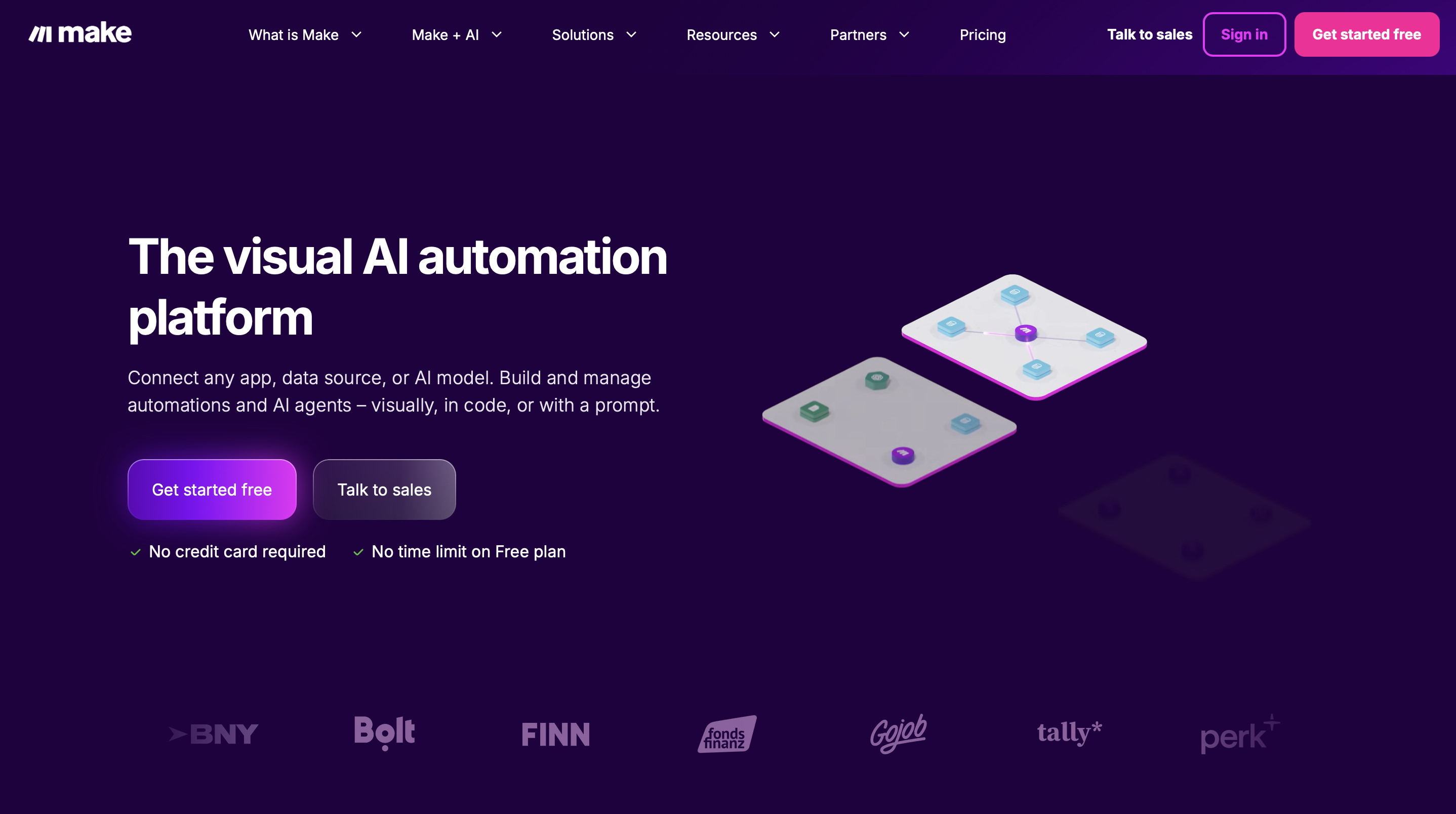
We build these flows on a visual automation platform like Make, which wires intake, sorting, and drafting into one pipeline that still stops at a human review step before anything ships.
The pattern is the same every time. AI does the assembling and the drafting. The person does the deciding and the signing. Getting your team comfortable with that split is less a software problem than a habit, which is why team training tends to matter more than the tool you pick. In both North Shore engagements above, the whole team was using the new workflow inside three to four weeks, and that adoption, not the model, is what made the time savings stick.
How to Draw the Line in Your Firm
You can do the first version of this yourself in an afternoon. List your firm's recurring tasks, then sort each one by a single question: if the AI got this wrong and nobody caught it, what happens? Tasks where the answer is "not much" can be automated now. Tasks where the answer is "we lose a client or a license" keep a human gate.
Sort by downside, not by difficulty
Go task by task and ask what a missed error costs. Low cost goes in the automate pile. High cost keeps a person in the chair. This is the NIST idea in plain terms: match the level of human review to the size of the risk.
Write the gate down
For every high-risk task, write one sentence naming who reviews the AI output before it is used or sent. Make it boring and non-negotiable. A rule that lives in someone's head is not a rule.
Automate everything behind the gate
Once the gate is clear, build aggressively on the safe side. Intake, drafting, sorting, summarizing. The line is what lets you move fast everywhere else without losing sleep.
This sorting is the first thing I do on an audit. I run a firm's task list through a custom-configured internal model that Bace has tuned for professional-services workflows, and it returns a first-pass split for me to refine with you. Here is the framework I use.
BACE AGENCY WORKFLOW AUDIT FRAMEWORK
"Here is a list of recurring tasks at my firm. For each task, put it in one of two columns. Column one: safe to automate, because a wrong first pass is low cost and a person reviews the output anyway. Column two: keep a human decision, because an uncaught error could harm a client, break a rule, or carry our signature. For each task in column two, write one sentence naming what the human must check before anything is used or sent. Do not automate anything in column two. Flag any task that is unclear and needs a follow-up question."
Or you can simply bring your raw task list to a Bace Agency audit, and we will map this out for you in about 15 minutes.
What This Does Not Mean
This is not a case for going slow or staying on the sidelines. The firms keeping a human on the decisions are also the ones automating the most everywhere else, because a clear line gives them the confidence to move. Caution at the gate buys you speed in the building.
It also does not mean you need to become technical. It means your team needs one rule everyone understands: AI drafts, a person decides and signs. That is a process question more than a software question, and it is the same answer whether you run a law firm or an insurance agency.
You can get a quick read on where your firm stands with the AI readiness quiz in about five minutes, or map the safe and unsafe parts of your workflow in a short AI consulting conversation. But a sorted list is not a working gate. Drawing the line is the easy part. Building the secure, locally controlled day-to-day AI that enforces it, the kind that keeps high-stakes data inside your firm and catches a hallucination before it ships, is engineering, and it is the part most firms get wrong on their own.
That is what the free 30 minute AI audit is for. It is the fastest way to find out exactly where your firm's human gate has holes and what it takes to close them. Available in person on the North Shore or by video. If your firm is moving on AI this year, book it with me before you wire anything into your live workflow.
Frequently Asked Questions
Does keeping tasks human mean my firm is behind on AI? +
No. It is the opposite. McKinsey found the firms getting the most from AI are far more likely to run a defined human-in-the-loop review than firms that are struggling with it. Drawing a clear line is what lets you automate aggressively everywhere else without taking on real risk.
What kinds of tasks should never be fully automated? +
Three categories. The final decision a client is paying your judgment for, the human relationship moments like a bad-news call or a condolence note, and anything that goes out under your signature where an error could harm someone. AI can draft and assist on all three, but a person decides and signs.
Why is AI inaccuracy still a problem if the models are good? +
A general model predicts text that looks correct, which is not the same as text that is correct. When it does not know, it produces a confident wrong answer instead of stopping. That is called a hallucination, and it is why high-risk output needs a human check before it is used.
Can I use AI for client emails at all? +
Yes, with judgment. Tightening an email you wrote or pulling a useful detail to mention is fine. The line is the moments that carry weight, like a denial explanation or a note after a loss. Those should have you present in the loop, not generated and sent on their own.
How do I decide where to draw the line in my own firm? +
Sort each recurring task by one question: if the AI got it wrong and nobody caught it, what happens? Low cost means you can automate it now. High cost means you keep a human review step. Write down who reviews each high-risk task, then build freely on the safe side.
Related Articles
Small North Shore Firms Are Beating Big Ones to AI
While a national firm spends a year debating AI strategy, the small practice down the street already answers clients faster. The gap compounds every week.

What Anthropic's Valuation Means for Small Firms
Anthropic just became the most valuable AI startup at a $965 billion valuation. The fad question is closed. The useful question is where AI fits in your firm, and where it does not.
One AI Stack Beats Tool Sprawl
Tool sprawl is not a sign your North Shore firm is ahead on AI. Here is how to pick one anchor platform, set a retirement date for the rest, and make adoption actually stick.
About the author

Written by
Michael Pavlovskyi
Founder, Bace Agency
Michael builds custom Claude and GPT workflows for insurance agencies, law firms, and PE firms on Chicago's North Shore. Speaker at Northwestern and Lake Forest College on practical AI adoption for professional services.
Connect on LinkedInSee it in your firm
Book an audit.
A free 30-minute AI audit. No obligation, no pitch deck.
Book a free AI audit