
AI Legal Research Tools for North Shore Firms
The market now has a half-dozen serious options, and the right one depends less on features than on how your practice actually bills and supervises work.


Key Takeaways
- ✓ Database-native tools like Westlaw AI and Lexis+ AI include citation verification; general-purpose models like Claude do not and should only be used with documents you supply.
- ✓ Casetext CoCounsel is a strong mid-tier option for North Shore practices focused on contract review and deposition prep at a lower per-seat cost than legacy platforms.
- ✓ Illinois professional conduct rules require supervising attorneys to verify all AI-assisted research, treat AI outputs under the same review standards as associate work product.
- ✓ The most cost-effective configuration for most mid-size firms is a two-tool stack: a legal database for retrieval and Claude Enterprise for document analysis and drafting.
If your Highland Park or Lake Forest practice is fielding demos from AI legal research vendors, the American Bar Association's annual technology survey puts the moment in context: AI adoption in law firms accelerated sharply in 2023 and 2024. The vendor calls followed. The right question is not whether these tools work. It is which one fits the way your team actually bills, supervises, and signs off on research.
The four tools most relevant to a mid-size North Shore practice are Westlaw AI, Lexis+ AI, Casetext CoCounsel, and general-purpose Claude for research workflows. Each sits in a different pricing and risk tier, and picking the wrong one costs more than the subscription.
What AI Legal Research Actually Does
AI legal research is the application of large language models to case law retrieval, brief drafting, contract review, and deposition preparation. These are not the same task, and each tool handles them differently.
The category splits roughly into two tiers. Database-native tools like Westlaw AI and Lexis+ AI are built on top of proprietary legal databases with citation verification baked in. General-purpose models like Claude and GPT-4o are not legal databases at all; they are reasoning engines that can work with documents you upload or cases you paste in.
That distinction matters for your malpractice exposure. A database-native tool that tells you a case is still good law has checked it. A general-purpose model that summarizes a case you pasted in has not checked anything. Both are useful. They are useful for different tasks.
According to the American Bar Association's legal technology research, the most common uses of AI in law practices currently are document review, contract drafting, and legal research summaries. All three appear across the tools reviewed here.
Tool-by-Tool Comparison
Here is how the four leading tools stack up for a mid-size North Shore practice with four to twenty attorneys.
| Tool | Best for | Citation verification | Contract review | Pricing model | Data privacy |
|---|---|---|---|---|---|
| Westlaw AI | Case law research, litigation | Yes, KeyCite integrated | Limited | Per-seat subscription | Strong; Thomson Reuters enterprise terms |
| Lexis+ AI | Case law, regulatory, secondary sources | Yes, Shepard's Citations integrated | Growing | Per-seat subscription | Strong; LexisNexis enterprise terms |
| Casetext CoCounsel | Deposition prep, contract review, research memos | Partial; cites to Casetext database | Strong | Per-seat flat fee | Strong; no training on client data |
| Claude (Enterprise) | Document analysis, drafting, custom workflows | None; requires your own verification | Very strong on documents you upload | Per-seat flat fee or API | Strong; Anthropic enterprise terms, no training on your data |
Westlaw AI and Lexis+ AI are the safest starting point if your practice is litigation-heavy and your associates run primary research from scratch. The citation checkers are integrated, and your malpractice carrier will not raise an eyebrow at either platform. The tradeoff is cost: both run materially more per seat than newer entrants.
Casetext CoCounsel, now owned by Thomson Reuters, is worth a close look for practices that do a lot of contract review or deposition preparation. The task-based interface is better designed for those workflows than a standard legal database. It also runs at a lower per-seat cost than the legacy platforms.
Claude is the right tool when you have documents you need analyzed rather than cases you need retrieved. Upload a 200-page commercial lease and ask Claude to flag every clause that touches indemnification, and you will have a structured list in a few minutes. That is not what Westlaw does. It is also not what Westlaw costs.
"Your margin is my opportunity."
Jeff Bezos, on what a pricing gap signals to new market entrantsHow Much Does AI Legal Research Cost?
This is the question vendors hate answering directly. Most will quote you a per-seat number in a sales call and then adjust it based on firm size, existing relationships, and how hard you push.
Here is what the publicly available pricing pages show.
Westlaw and Lexis are both enterprise platforms. A mid-size firm negotiating a new contract today should expect to pay a meaningful per-seat premium over what Casetext or a Claude Enterprise seat costs. That premium buys you the database, the citation verification, and the vendor relationship your existing partners already trust.
Casetext CoCounsel sits in a middle tier. The per-seat cost is lower than the legacy platforms, and the task coverage for litigation and transactional work has expanded since Thomson Reuters acquired it.
Claude Enterprise is priced as a general business AI tool, not a legal research platform. Per seat, it is a fraction of what legal-specific platforms charge. The catch is that it does not come with a legal database. You bring the documents; it does the reasoning. If your practice already has Westlaw or Lexis for primary research, adding Claude for document analysis and drafting is a lower-cost expansion that covers the gaps the database tools do not.
The practical path for most Highland Park or Winnetka practices is not one tool. It is two: a database-native tool for primary research and citation checking, and a general-purpose model for document analysis and drafting. That combination covers the full research-to-memo workflow at a total cost that is often still below a single premium enterprise seat.
SAMPLE CLAUDE PROMPT
"I am attaching a 180-page commercial lease for a Chicago-area retail tenant. Please do the following: (1) identify every indemnification clause and summarize who bears liability in each scenario, (2) flag any clause that limits the tenant's right to assign or sublease, (3) note any personal guarantee provisions, and (4) list any clauses that are unusual or that you would recommend a client push back on in negotiation. Present your findings in a structured table with the section number, clause summary, and your comment."
Supervision, Hallucinations, and Liability
Every AI legal research tool hallucinates. The question is how often, and what safeguards catch it before it gets to a brief.
Database-native tools with integrated citation checkers (Westlaw, Lexis, Casetext) have the lowest hallucination risk on case citations because the model is retrieving from a verified database, not generating from memory. General-purpose models like Claude and GPT-4o will occasionally cite cases that do not exist when asked to recall from training data. The fix is simple: never ask a general-purpose model to retrieve cases. Ask it to analyze cases you paste in or upload.
Illinois professional conduct rules require supervising attorneys to verify AI-assisted work product. The State Bar has published guidance noting that AI outputs require the same review standards as associate work. That is the right frame. The question is not whether you can trust the tool; it is whether your review process catches what the tool misses.
Here is the practical supervision protocol I recommend for North Shore practices starting with these tools:
Separate retrieval from analysis
Use a database-native tool (Westlaw, Lexis, or Casetext) for any task that requires finding and verifying case law. Use Claude or a general-purpose model only for tasks where you supply the source documents. Never ask a general-purpose model to remember cases from training data.
Build a one-page review checklist
Before any AI-assisted memo or brief leaves the office, a supervising attorney checks: every case citation, every quoted passage, and every statute reference. This is not more work than reviewing an associate's draft. It is the same work, done differently. Document the review so your file shows the human-in-the-loop step.
Start with non-adversarial tasks
The lowest-risk entry point is internal research summaries, contract review checklists, and deposition prep outlines. These are reviewed before they leave the firm. Start there, build your team's judgment about where the tools are reliable, then expand to client-facing work product.
"Automation is good, so long as you know exactly where to put the machine."
Eliyahu Goldratt, author of The Goal, on why inserting a tool without mapping the constraint first creates new problemsWhere to Start This Week
If your practice already has Westlaw or Lexis, the fastest return is not switching. It is adding a Claude Enterprise seat for two or three associates and pointing it at your document-heavy workflows: contract review, lease abstraction, deposition transcript analysis, and first-draft correspondence. Run that for 60 days. The time your associates recover on document work is the proof-of-concept for expanding further.
If your practice does not have a legal database subscription and you are evaluating from scratch, Casetext CoCounsel is the strongest single-platform option for a mid-size firm. It covers the most common associate tasks at a lower price point than the legacy platforms, and it has citation verification built in.
The firms I watch pulling ahead on the North Shore are not running the most sophisticated AI stack. They picked their two tools, trained their associates on both consistently, and built a supervision process their managing partners can explain out loud. The tool is the easy part. Before you schedule another vendor demo, time an associate on the next contract review or deposition summary. That before-and-after comparison is the business case, and it takes less than an afternoon to build.
Take our AI readiness quiz to see where your firm sits today and which adoption path fits your billing model and practice area mix.
For a structured look at what this means for your specific practice, schedule a free 30-minute AI audit. I work with law firms on the North Shore and can meet in Lake Forest, Highland Park, or Evanston, or on video. The output is a one-page tool selection and supervision framework your managing partner can act on.
Frequently Asked Questions
Can AI legal research tools replace Westlaw or Lexis for a small law firm? +
AI legal research tools do not replace Westlaw or Lexis for primary case law retrieval and citation verification. Tools like Westlaw AI and Lexis+ AI integrate citation checking directly into their AI features. General-purpose models like Claude are best used for document analysis and drafting when you supply the source materials, not for retrieving and verifying case law from memory.
Do Illinois professional conduct rules allow attorneys to use AI for legal research? +
Illinois professional conduct rules permit AI-assisted legal research, but require supervising attorneys to verify all AI-generated work product. The Illinois State Bar Association has issued guidance treating AI outputs under the same supervision standards as associate work. Attorneys must review all citations, quoted passages, and statutory references before any AI-assisted work product is filed or sent to a client.
What is Casetext CoCounsel and how does it differ from Westlaw AI? +
Casetext CoCounsel is an AI legal research and drafting platform that is particularly strong for contract review, deposition preparation, and research memo drafting. Westlaw AI is built on Thomson Reuters' full legal database with KeyCite citation verification integrated. Casetext CoCounsel is now also owned by Thomson Reuters and sits at a lower per-seat price point, making it a practical option for mid-size firms that do not need the full Westlaw database.
How does Claude compare to dedicated legal AI tools for law firm use? +
Claude is a general-purpose AI model, not a legal database. Its strength for law firms is document analysis: upload a contract, deposition transcript, or discovery set and ask Claude to identify issues, summarize clauses, or draft a response. Claude does not verify case citations against a live database. The practical approach for most firms is to use a database-native tool like Westlaw or Casetext for primary research and Claude for document-heavy analysis tasks.
What is the best AI legal research tool for a mid-size North Shore law firm? +
For a mid-size North Shore practice with four to twenty attorneys, the most effective approach is a two-tool stack: a database-native platform with citation verification (Westlaw AI, Lexis+ AI, or Casetext CoCounsel) for primary research, and Claude Enterprise for contract review and document analysis. This combination covers the full research-to-memo workflow and often costs less than a single premium enterprise seat on a legacy platform.
Related Articles
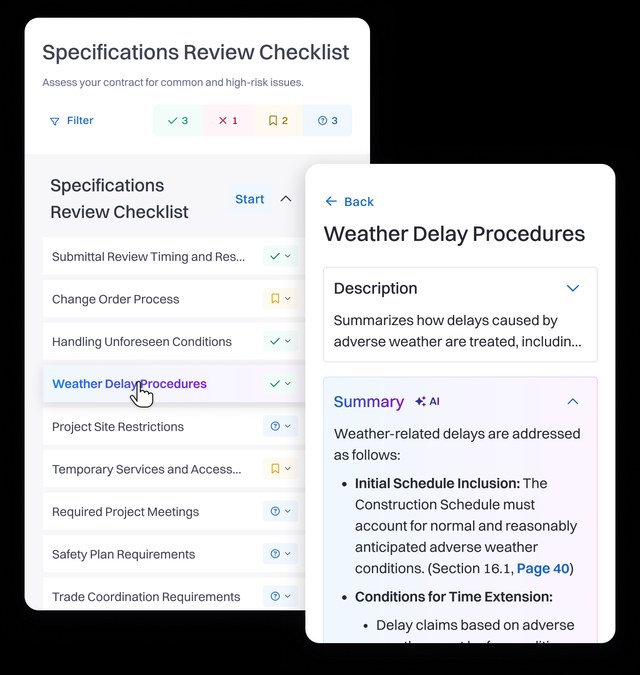
AI Contract Review for Construction Counsel
Construction counsel on the North Shore can hand Claude a full AIA or ConsensusDocs contract file to catch conflicting clauses fast, but the 2023 ChatGPT sanctions case is the reminder that every flag still needs a lawyer's sign off.

Small Law Firms Finally Have an AI Budget
A flat Claude subscription now gives solo and small North Shore law firms the same drafting and research power as much larger firms, if they build the review habit to use it safely.
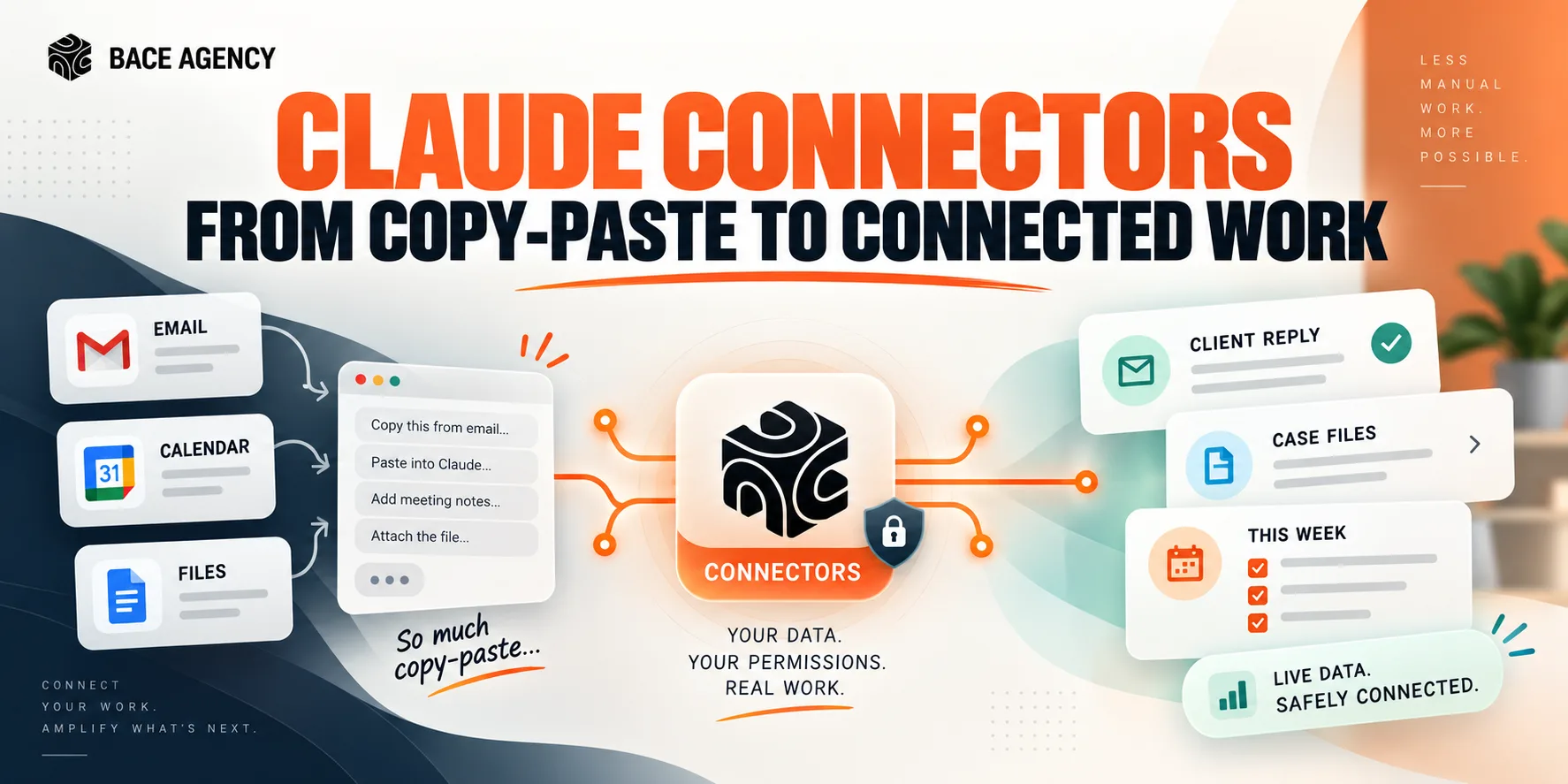
Claude Connectors for Winnetka Accounting Firms
AI stays a clever assistant until it can see your real email, files, and calendar. Connectors are that bridge, and the win depends on connecting narrowly and keeping the writes on approval.
About the author

Written by
Michael Pavlovskyi
Founder, Bace Agency
Michael builds custom Claude and GPT workflows for insurance agencies, law firms, and PE firms on Chicago's North Shore. Speaker at Northwestern and Lake Forest College on practical AI adoption for professional services.
Connect on LinkedInSee it in your firm
Book an audit.
A free 30-minute AI audit. No obligation, no pitch deck.
Book a free AI audit