
Claude Projects Fix AI That Fell Flat
The firms that saw no value from AI never gave it the one thing it needed to be useful.

Key Takeaways
- ✓ Firms that tried AI and saw nothing useful almost always used it without context. The model knew nothing about the firm, the clients, or how the work is done, so it answered in general terms.
- ✓ Claude Projects is a dedicated workspace. You load your documents, templates, rules, and examples once, and every chat inside the project runs with that context.
- ✓ For a law firm or an insurance agency, that turns a generic draft into work already in the firm's own format, terms, and voice.
- ✓ Creating a project is easy. Running it as a system the whole team uses every day is the real work, and that is the part where most firms need a hand.
Most professional-services firms on the North Shore have tried AI by now, seen little of value, and quietly filed it under hype. The problem is almost always the same, and it is not the model. It is the context the firm never gave it.
A regular chat is a conversation with a smart stranger. It can give you a competent answer, but a generic one, because you explain everything from scratch and it forgets you the moment you close the window. The firms that get real value do something different. They take a systematic approach, thinking through how they want AI to work and building a repeatable setup around it instead of asking one-off questions. One of the most effective tools for that is Claude Projects. It works like an employee who has read all your materials and keeps them in mind, so the answers come back structured around your actual business rather than the world in general.
Why Does AI Feel So Generic at Most Firms?
AI feels generic because it has no context, and most firms never give it any. They use it like a search engine. Open it, ask a question, close it, every time from a blank slate. So every answer comes back in the same broad terms, because the tool knows nothing about your clients, your documents, or how things are done in your office. The verdict follows fast: AI just writes vague, useless stuff. The verdict is understandable, but the cause is misread. The issue is not the AI. It is that no one ever gave it the material it needed to be specific.
What Is Claude Projects?
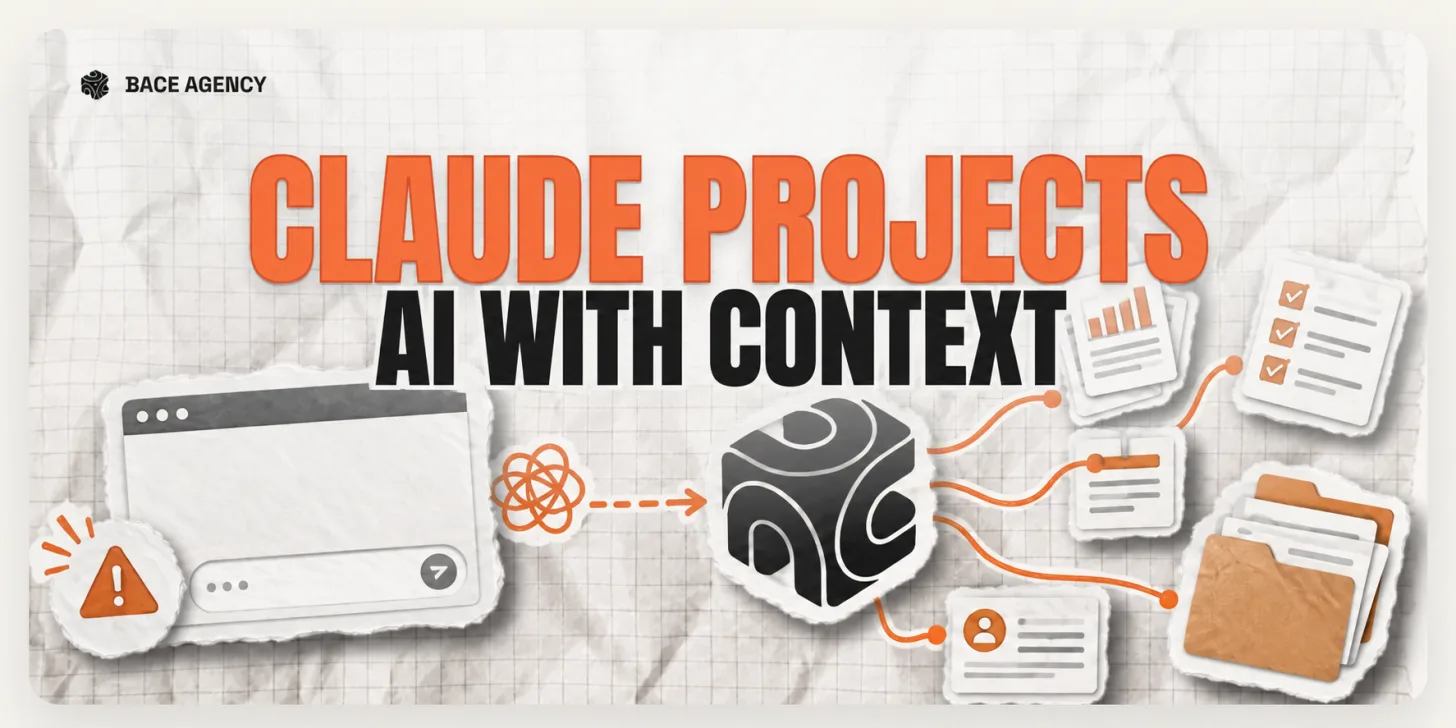
Claude Projects is a mode where a set of documents, instructions, and examples stays attached to every conversation you have inside it. You load in the things your work depends on, your templates, your standard rules, a few examples of finished work, and from then on every chat in that project runs with full knowledge of them. Anthropic describes Projects as a way to ground Claude in your own knowledge and context, and the help documentation lays out what a project holds and what carries across chats.
It helps to be clear about what a project does not do. It is not a separate, smarter model. It does not quietly learn your business on its own, and it does not act without you. It simply keeps your context in the room so you stop re-explaining it every time. Projects pair naturally with Claude Skills, which turn your best instructions into a standing playbook the tool follows on every task.
What Changes for a Lake Forest Law Firm or a Winnetka Insurance Agency?
The output stops being generic and starts arriving in your own format. Consider a real estate law practice in Lake Forest that keeps its templates and formatting requirements in a project: a request for a first draft comes back already in the firm's own structure, not as an abstract sample someone then has to rebuild by hand. Or an insurance agency in Winnetka that has loaded its product descriptions and the questions clients actually ask, so the answers come back precise and on-brand, which is exactly what the firm needed, instead of hedged and general.
This is the level where AI stops being a toy and becomes a working tool, and it is exactly the kind of close, practical build our consulting and implementation work is built around. The conversation no longer starts from zero. It starts from the point.
How Do You Set Up a Claude Project?
Gather what the work repeats from
Pick one workflow that eats time every week and collect the materials behind it: the templates, the rules, a few examples of good finished work. That pile, not a feature list, is what makes a project useful.
Build one project for one workflow
Create a single project, load those materials, and write short instructions telling Claude how you want the work done. Keep it to one job at first, drafting, intake, or client answers, so you can see clearly whether it helps.
Run it with the team, and keep control of client data
Let the people who do the work use it, and refine the instructions from what comes back. For confidential client files, run it on an approved business account where your data is not used for training, so the context stays inside the firm.
None of this is hard to start. The hard part, and the reason most firms stall, is the distance between creating one project and running AI as a system the whole team actually uses day to day. That is the gap we close with firms across the North Shore: we sit down with the owner, find where repetitive work costs the most time, and build the tool into how the firm already works rather than on top of it. If you want to see where that would pay off first, a free 30-minute AI audit, in person on the North Shore or by video, is the quickest way to find out.
Frequently Asked Questions
What is the difference between a Claude Project and a normal chat? +
A normal chat starts from nothing every time and forgets everything when you close it. A Claude Project keeps a set of documents, templates, and instructions attached to every conversation inside it, so Claude answers with your firm's context already in hand. A chat is a smart stranger. A project is an employee who has read your materials and remembers them.
What should a professional-services firm put in a Claude Project? +
The materials your work repeats from: document templates, standard rules and checklists, product or service descriptions, the questions clients ask most often, and a few examples of finished work you are happy with. The goal is to give Claude the same reference material a new hire would need to do the task your way.
Is my firm's data safe in a Claude Project? +
It can be, when it is set up correctly. On an approved business account, your data is not used to train the model, and for sensitive client files you can keep the work inside a setup you control. The risk to manage is loading confidential material into a personal account without checking the settings, which is a setup question, not a reason to avoid projects.
Does Claude Projects replace staff? +
No. A project removes the repetitive assembly work, the re-explaining, the reformatting, and the drafting from a blank page, so your people spend their time on decisions and client relationships. The AI drafts and proposes options, and a person still reviews them and makes the final decision.
How long does it take to set up a Claude Project? +
A first, useful project for one workflow can be running in an afternoon. The longer work is not the setup, it is refining the instructions and rolling it out so the whole team uses it consistently, which is where most firms benefit from a hand.
Related Articles
Context Windows: Why AI Drifts on Long Documents
AI answers a short question brilliantly, then gets lost in a forty-page contract. The reason is one concept, the context window, and it changes how you should feed it documents.
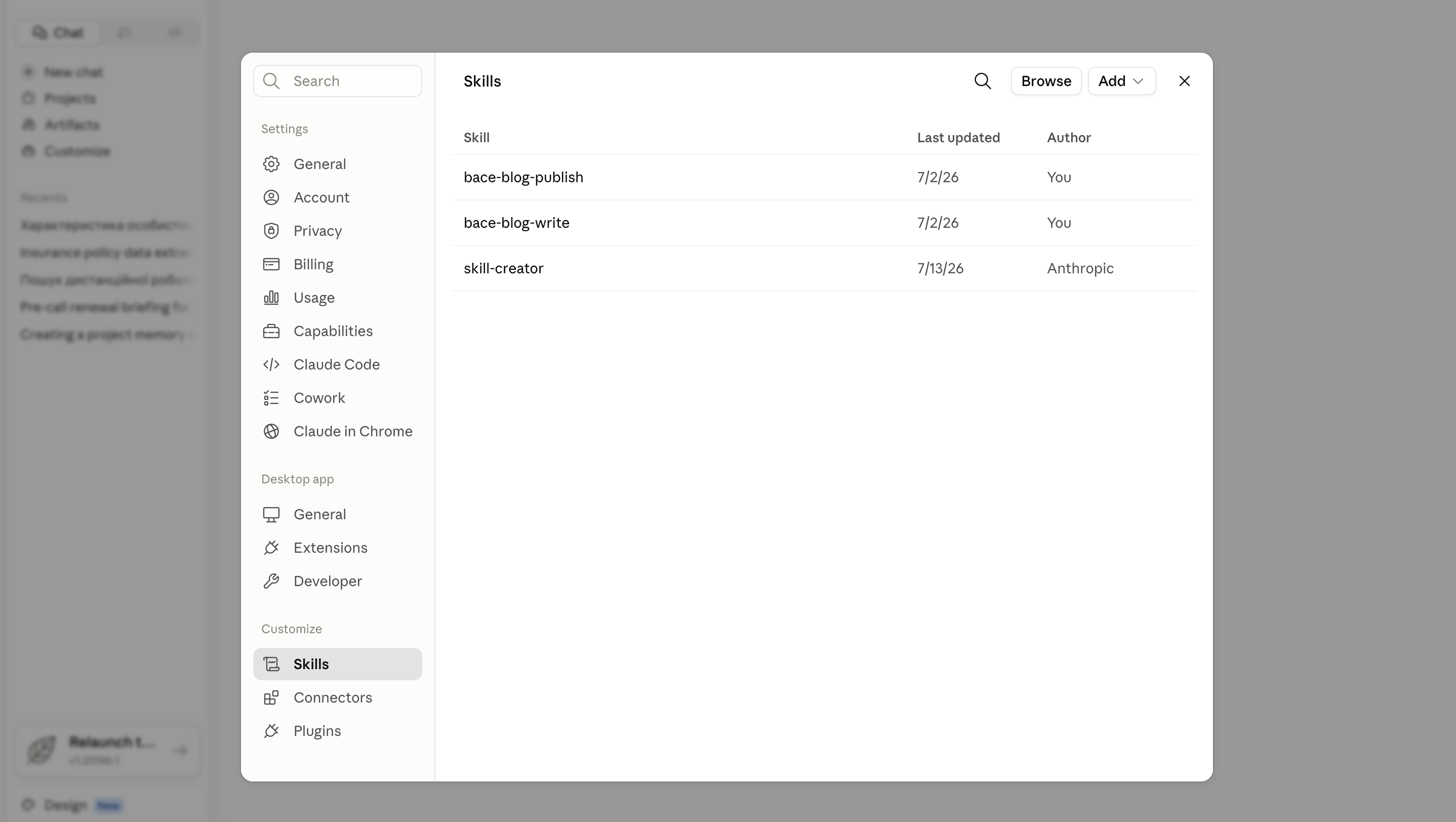
How to Build and Effectively Use Claude Skills for Your Team
Someone writes a sharp prompt, and by Friday nobody remembers the wording. A Claude Skill turns your team's best prompt into a standing instruction Claude follows every time. Here is how to build and share one, no code and no developer.
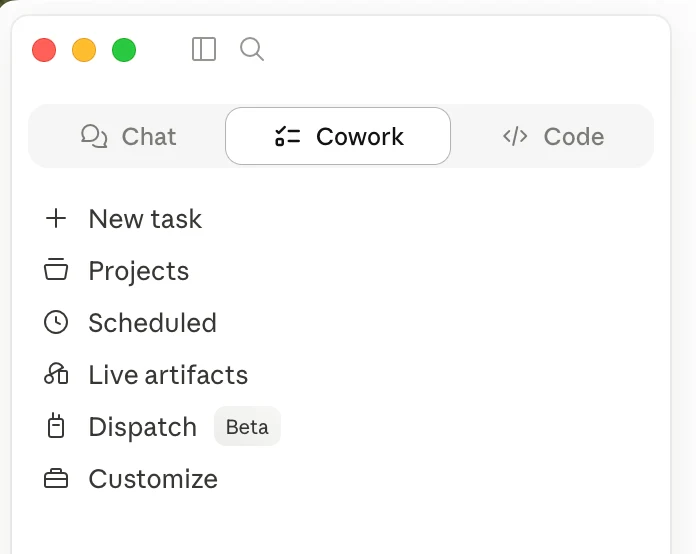
Most of Claude Is Behind a Download
If you only use Claude in a browser tab, you have seen the demo, not the product. The desktop app reads your files, runs multi-step tasks, and works on a schedule. Most firms never install it.
About the author

Written by
Michael Pavlovskyi
Founder, Bace Agency
Michael builds custom Claude and GPT workflows for insurance agencies, law firms, and PE firms on Chicago's North Shore. Speaker at Northwestern and Lake Forest College on practical AI adoption for professional services.
Connect on LinkedInSee it in your firm
Book an audit.
A free 30-minute AI audit. No obligation, no pitch deck.
Book a free AI audit