
5 Claude Features Most Small Business Owners Miss
If you run a business in Lake Forest, Highland Park, Wilmette, Winnetka, Glencoe, or Lake Bluff, Claude can do more than answer random questions.

If you run a small business on the North Shore, Claude can do more than answer random questions.
Most people use Claude like Google. They open a new chat, type one question, take the first answer, and leave.
That is useful, but it misses the bigger point. Claude works better when it knows your business, remembers how you like to work, follows your rules, reads your files, and helps you shape the answer.
That matters whether you run a family office in Lake Forest, an insurance agency in Highland Park, a restaurant in Wilmette, a law firm in Winnetka, or a financial advisory office in Glencoe.
Anthropic is clearly thinking about small businesses too. In May 2026, it introduced Claude for Small Business and said many owners stop at the chat window. I see the same thing in real life. The tool is sitting there, but the setup is missing.
Quick version
- Projects keep your business files in one place.
- Memory helps Claude remember how you work.
- Instructions tell Claude your rules before every answer.
- File uploads let Claude read the document before you explain it.
- Co-working means the first answer is only the first draft.
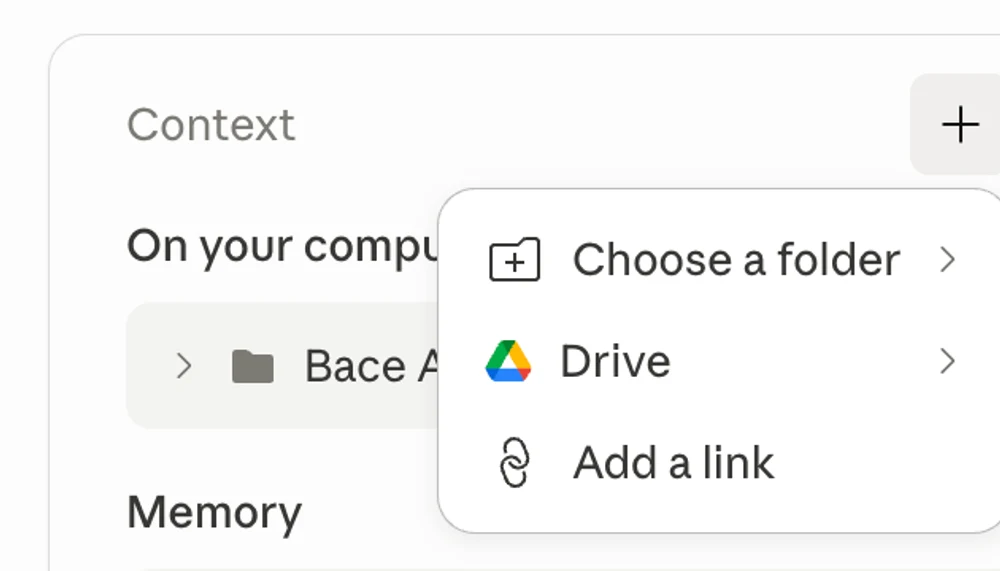
1. Projects: Claude can keep your business files in one place
A Project is a little workspace inside Claude.
Think of it like a folder. You can put your important business documents in it once. Then every chat inside that Project can use that information.
Anthropic says Projects can have their own chat history and knowledge base. You can upload documents, text, code, or other files, and Claude can use them as context inside that Project.
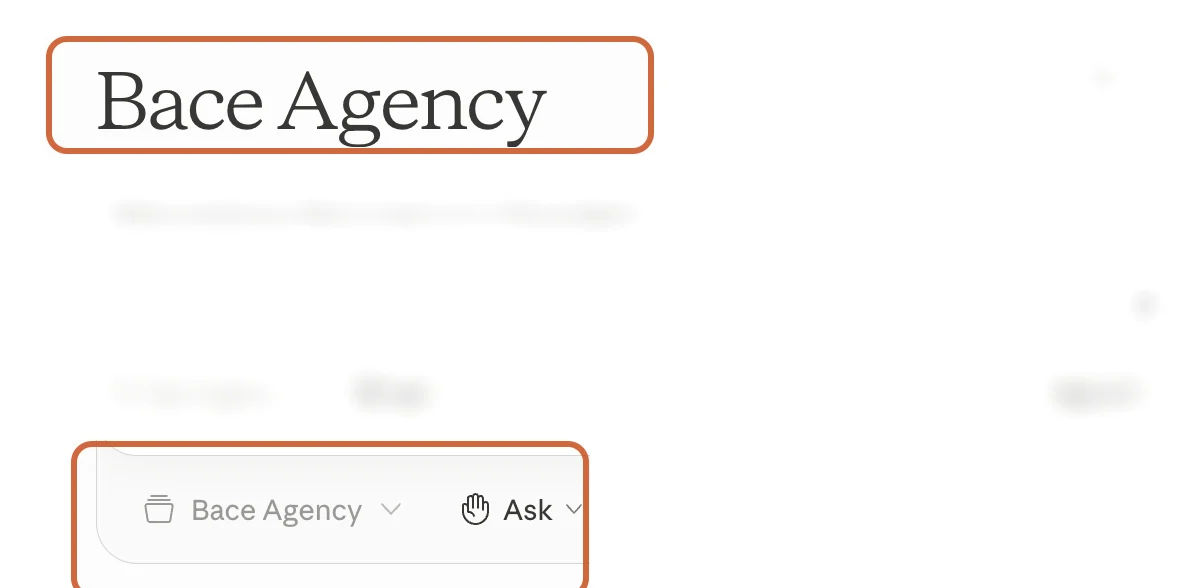
Here is the simple example. A Lake Forest family office could make one Project called "Family Office Admin." It could include vendor lists, meeting notes, monthly report templates, and common rules for how reports should sound.
Now the owner does not need to explain the business again every morning. The Project already carries the background.
Try this today: "Create a Project for my business. Tell me the five documents I should upload first."
2. Memory: Claude can remember your preferences next week
Memory is different from a Project.
A Project is for one area of work. Memory is more about you. It helps Claude remember your role, your projects, and how you like answers.
Claude's help page says Memory is available for all Claude users on web, desktop, and mobile. It also says Claude can remember work context, communication preferences, and project details. You can turn it on or off in Settings.
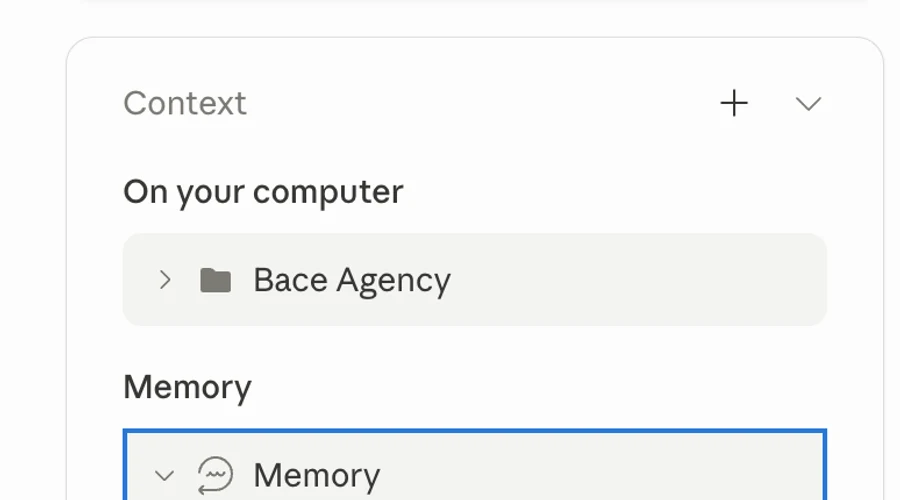
Say you tell Claude once: "We sell benefits plans to small companies. I like short answers. Use plain English. Never sound like a consultant."
Next week, Claude can use that context again. You do not need to repeat it in every chat.
This is small, but it saves a lot of friction. The less you repeat, the faster you get useful work back.
Try this today: "Remember that I run a small business on the North Shore. I like short, plain answers with examples."
3. Instructions: Claude can follow your rules every time
Instructions are standing rules.
If Memory is what Claude learns about you, Instructions are what you tell Claude to do on purpose.
Claude currently calls the account-wide version "Instructions for Claude." Anthropic says these instructions apply to all of your conversations. There are also Project instructions for one Project, and Styles for how Claude writes or formats answers.
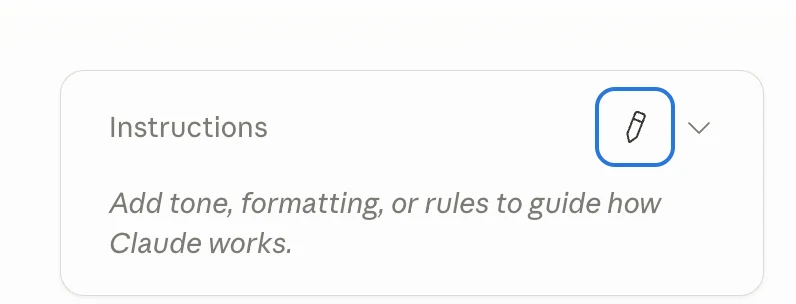
Here is how this looks for a Wilmette restaurant owner.
They might write: "Keep answers short. Give me the steps first. Use examples for a restaurant. Do not use fancy tech words. If you suggest a tool, tell me why I need it."
Now every answer starts closer to what the owner needs. Claude stops writing for everybody and starts writing for that business.
Styles are useful too. If you want one mode for quick answers and one mode for teaching, you can switch between them. Anthropic says Styles can change tone and format, and custom Styles can be made from writing samples or a written description.
Try this today: "Help me write my Instructions for Claude. I own a small business. I want short answers, clear steps, and no jargon."
4. File uploads: Claude can read the document before you summarize it
This is the one that saves people the most time right away.
You do not always need to read a whole document first and then explain it to Claude. You can upload the file and ask the question directly.
Claude supports common files like PDF, DOCX, CSV, TXT, HTML, JSON, and images. It also has limits. As of Anthropic's April 2026 help page, chat uploads can be up to 500MB per file and up to 20 files per chat. Project files are smaller, at 30MB per file, and have to fit inside Claude's context.
A Winnetka law firm could upload a lease and ask, "What are the renewal terms?" A Lake Bluff business owner could upload three vendor proposals and ask, "Which one is the safest choice and why?" A Glencoe advisor could upload a client report and ask, "What would confuse a client here?"
Be smart with private data. If the file has client names, account numbers, health details, or legal details, pause first. Make sure your plan, permissions, and firm rules allow that file to be used in Claude.
Try this today: "Read this document. Give me the five things I should care about, in plain English."
5. Co-working: the first answer is only the first draft
This is not a button in settings. It is a habit.
Most owners ask Claude one question. Claude answers. They close the tab.
That is like asking an employee for a draft, reading the first version, and never giving feedback. The better move is to work with Claude for two or three rounds.
Say: "Too long. Make it shorter." Say: "This sounds too formal." Say: "Give me the version I would send to a skeptical client." Say: "Now make it sound like me."
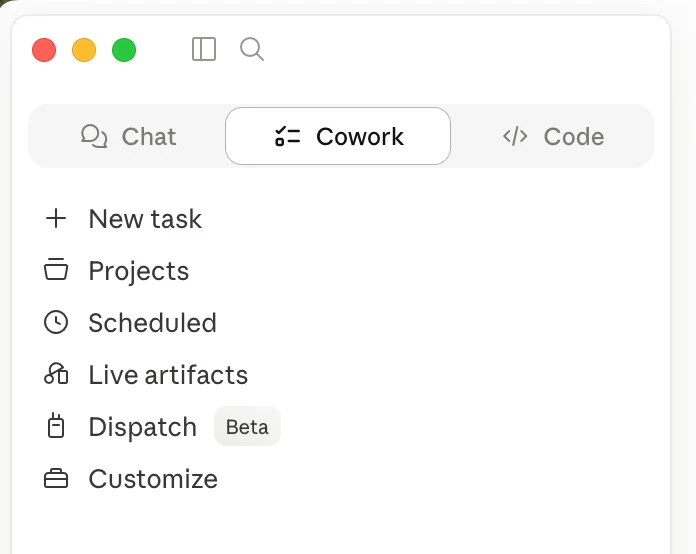
Claude Cowork is Anthropic's more advanced desktop product for running tasks on your computer. Anthropic says Cowork can analyze a request, create a plan, break work into smaller tasks, and deliver outputs to your file system. You may not need that full setup today. But the idea is useful: treat Claude like a working partner, not a search box.
For a Highland Park insurance agency, the third draft of a client email is usually better than the first. For a Lake Forest family office, the second version of a board summary is usually clearer. For a Wilmette restaurant, the follow-up prompt may turn a generic promo into something customers actually understand.
Try this today: "That answer is close. Make it shorter, warmer, and more specific to my business."
What to do next
Do not try to set up everything in one day.
Start with one small area of your business. Pick something boring but useful: weekly reports, client emails, vendor proposals, meeting notes, or staff training.
Then do this:
- Make one Project for that area.
- Upload two or three safe documents.
- Write simple Instructions for Claude.
- Turn on Memory if it makes sense for your account.
- Use follow-up prompts instead of stopping at the first answer.
That is enough to feel the difference.
Claude does not need to replace your people. It needs to take the small repeat work off their plate so they can do the work that actually needs judgment.
If you want help setting this up for your firm, Bace can map where Claude actually fits and where it does not. We are based in Lake Forest, and we work with small businesses and professional firms across the North Shore.
Sources
Related Articles
Context Windows: Why AI Drifts on Long Documents
AI answers a short question brilliantly, then gets lost in a forty-page contract. The reason is one concept, the context window, and it changes how you should feed it documents.
Claude Projects Fix AI That Fell Flat
Most firms try AI, see no value, and conclude it's an overhyped toy. The problem is almost always one thing: they never gave it context.
How to Build and Effectively Use Claude Skills for Your Team
Someone writes a sharp prompt, and by Friday nobody remembers the wording. A Claude Skill turns your team's best prompt into a standing instruction Claude follows every time. Here is how to build and share one, no code and no developer.
About the author

Written by
Michael Pavlovskyi
Founder, Bace Agency
Michael builds custom Claude and GPT workflows for insurance agencies, law firms, and PE firms on Chicago's North Shore. Speaker at Northwestern and Lake Forest College on practical AI adoption for professional services.
Connect on LinkedInSee it in your firm
Book an audit.
A free 30-minute AI audit. No obligation, no pitch deck.
Book a free AI audit