
Most of Claude Is Behind a Download
The browser tab is the demo. The desktop app does the work, and most firms never install it.

Key Takeaways
- ✓ The Claude website, used in a browser, is single-turn chat. The desktop app is where the multi-step, file-aware work happens. Most firms only ever use the website.
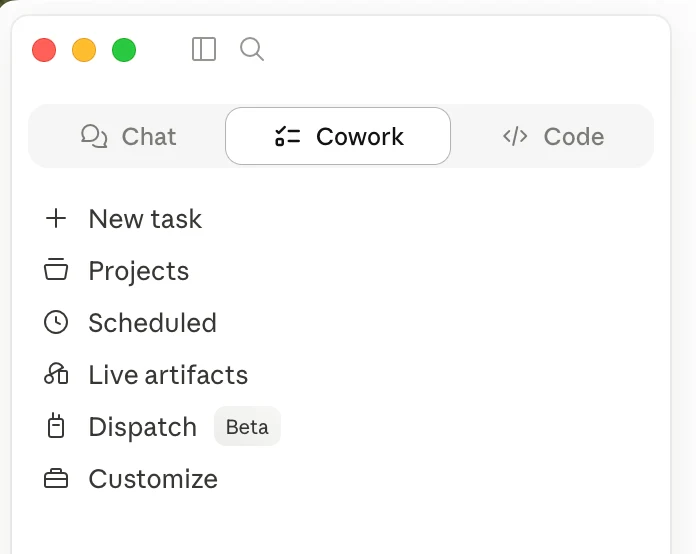
- ✓ The desktop app adds three things a browser tab cannot: it works across files on your computer, it runs multi-step tasks through Cowork, and it can work on a schedule.
- ✓ It is a free download that works on the plan you already have, including Claude Pro. No API, no code, no extra cost.
- ✓ Settle which files may go in, and on which plan, before you point it at client data. That is the same rule as any AI tool in a firm.
If the only way you have used Claude is a browser tab at claude.ai, you have seen the demo, not the product. The version most people know answers one question at a time, like a sharper search box. The version that does real work for a firm is a free download most owners never install.
This is the gap I see most often on the North Shore. A wealth advisor, a law-firm partner, or an insurance principal tries Claude in a browser, finds it useful for a quick draft, and stops there. They never open the desktop app, where Claude can read the files on their computer, carry a task through several steps on its own, and do it on a schedule. Here is what the download adds, and how a small firm would actually use it.
The Browser Tab Is the Demo
The website is built for a single exchange. You paste in some text, you get an answer, you copy it back out. That is genuinely useful for a one-off draft, and it is where almost everyone starts. But it cannot see the files on your computer, it cannot run a job through several steps while you do something else, and it forgets the moment you close the tab unless you have turned on memory. It is the sample tray, not the kitchen.
The reason this matters is that the work a firm actually wants to hand off is rarely a single question. Pulling a pre-meeting brief from a client folder is several steps. Reading a renewal packet and drafting the review is several steps. Sorting a new matter's documents and listing what is missing is several steps. None of that fits in a paste-and-copy box. It fits in the desktop app.
What the Desktop App Adds
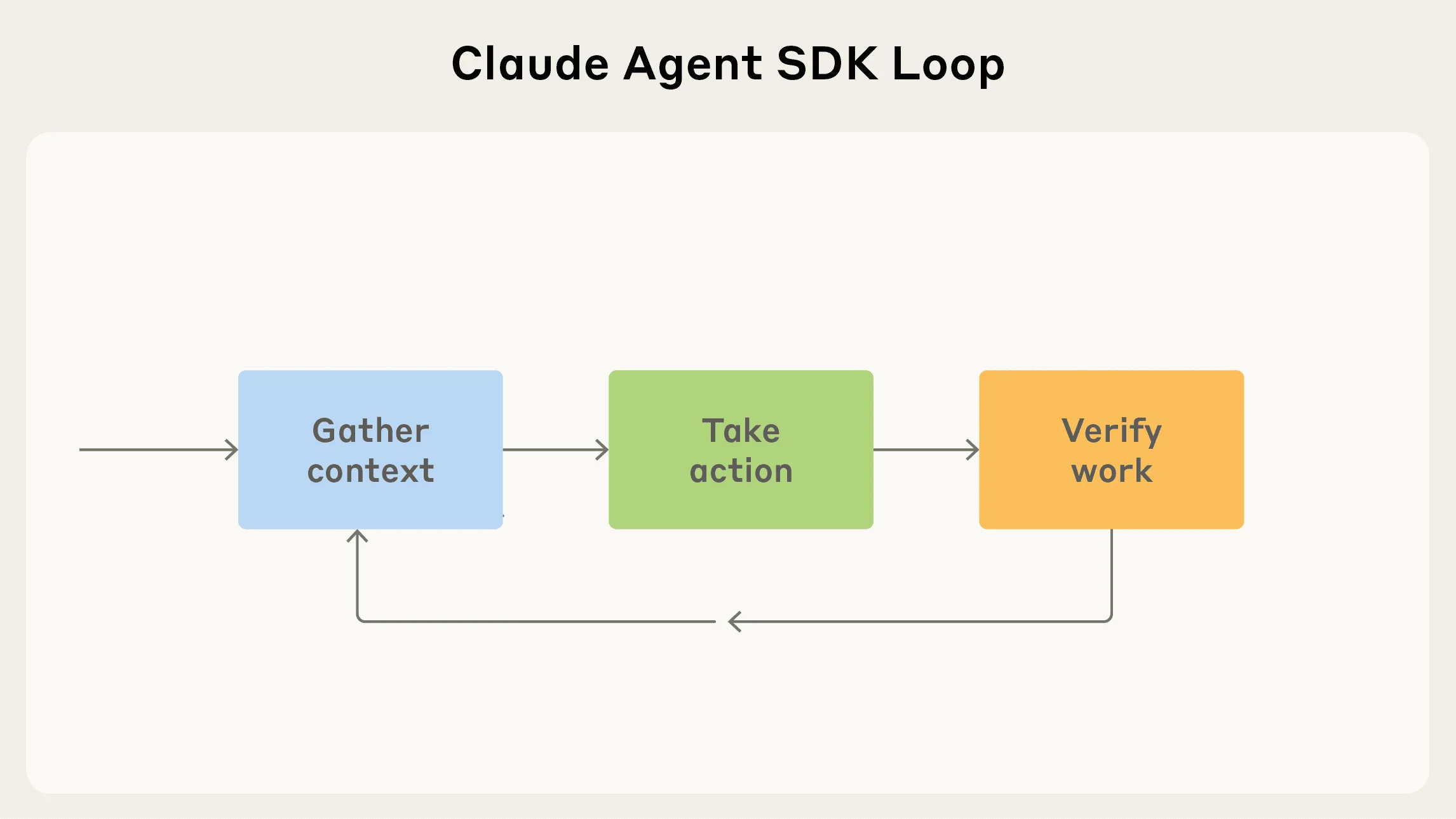
Three capabilities show up once you install it, and none of them require code or a developer.
Your files. Point the app at a folder and it reads the documents there directly. No copy-paste, no uploading one file at a time. A folder of statements, a matter's documents, a renewal packet: it works from the originals.
Multi-step work, through Cowork. Cowork is the view built for steering a task rather than asking one question. You give it a goal, it works through the steps, and you watch and correct as it goes. This is the same proactive-agent behavior I wrote about in why your firm does not need the API, running on the plan you already pay for.
A schedule. The app can run a task on its own clock, not only when you open it. A brief every weekday morning, a weekly status draft every Friday. The work is waiting when you sit down.
How Your Firm Would Use It
The point is not the features. It is the half hour they give back. A few examples by practice, each one a task you could check by hand on the first run.
If you are a wealth advisor, point the app at a client's folder before a review and ask for a one-page brief: holdings, what changed since last meeting, and the three things worth raising. If you are a law-firm partner, run intake on a new matter's documents and get a summary plus a missing-items list before an hour is billed. If you run an insurance agency, hand it the renewal packet and ask for a plain-English summary of coverage changes and exposure, ready for you to check.
SAMPLE CLAUDE PROMPT
"This folder holds everything for my 10 a.m. client review: the latest statements, my notes from last meeting, and two emails. Read it and write a one-page brief: current holdings, what changed since we last met, any account that needs attention, and three things I should raise. Flag anything you are not confident you read correctly and name the file to check. Do not estimate a figure you cannot see."
Set It Up Once
Download the app and sign in
Get the desktop app from Anthropic and sign in with the account you already use in the browser. Your existing plan carries over. There is nothing new to buy.
Turn on the capabilities you want
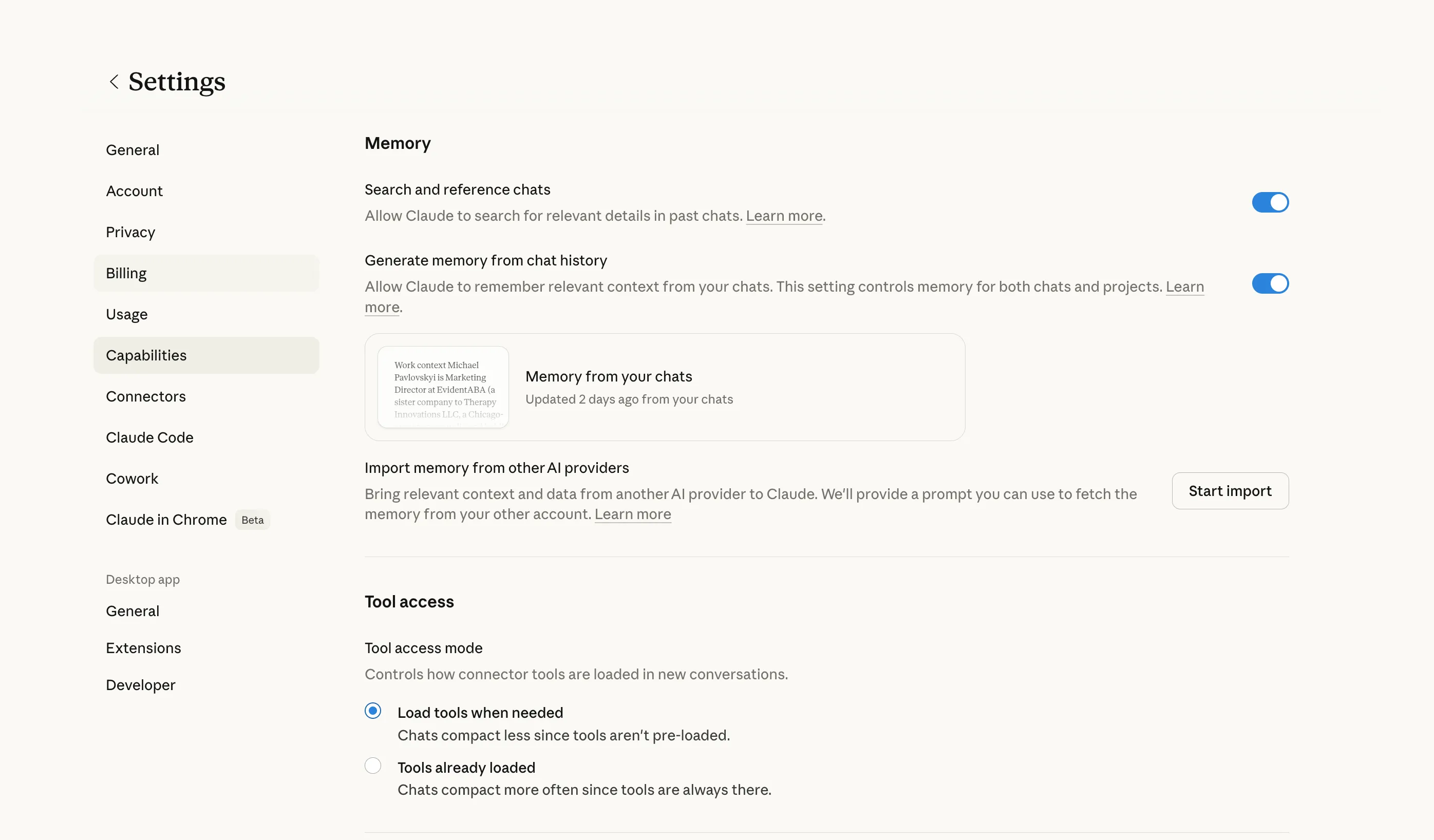
In settings, switch on file access and the other capabilities once. This is the same settings panel where you manage memory and imports.
Point it at one folder and run one task
Pick a single real task you could grade by hand, run it once, and judge the output. Settle which files and which plan are allowed before any client data goes in.
"Simple can be harder than complex. You have to work hard to get your thinking clean to make it simple."
Steve Jobs, on why the simplest tool often winsWhat to Watch
The same caution applies here as to any AI tool in a firm. Decide which plan you are on and what files are allowed before you point the app at client data, because file access is the whole advantage and also the thing to govern. Team and enterprise plans carry stronger data-handling terms than a personal account, which matters for a practice bound by privilege or confidentiality. And the app is not the system of record: it drafts and summarizes, a person reviews and signs, and the calendar and the books stay where they are.
None of this is a big project. It is one download, one folder, and one task you already understand. The firms getting value from AI this year are not the ones who bought the most software. They are the ones who installed the tool they already had and pointed it at real work. If you want help picking the first task and the right plan for a firm that handles client data, book a free 30-minute AI audit: in person on the North Shore or on video, no obligation, with a one-page plan to show for it. You can also see how we set this up for firms without turning it into an IT project.
Frequently Asked Questions
Is the Claude desktop app free? +
Yes. The desktop app is a free download and works with Claude's free and paid plans. The file access, Cowork, and scheduling features run on the plan you already have, so there is no separate purchase and no API needed.
What is the difference between the Claude website and the desktop app? +
The website is single-turn chat in a browser and cannot see your files. The desktop app reads documents in a folder on your computer, runs multi-step tasks through Cowork, and can run a task on a schedule. For real firm work, the desktop app is the one that matters.
Do I need the API or a developer to use it? +
No. The desktop app does multi-step, file-aware work from plain written instructions, with no API key and no code. The API is for building a product or a high-volume pipeline, which is a different job than running a firm's daily workflows.
Is it safe to point it at client files? +
That depends on your plan and how it is configured, and it should be settled before any client document goes in. Team and enterprise plans offer stronger data-handling terms than a personal account. For a practice bound by privilege, decide which files and which plan are allowed first, then point the app at a single folder.
Related Articles
Claude Connectors for Winnetka Accounting Firms
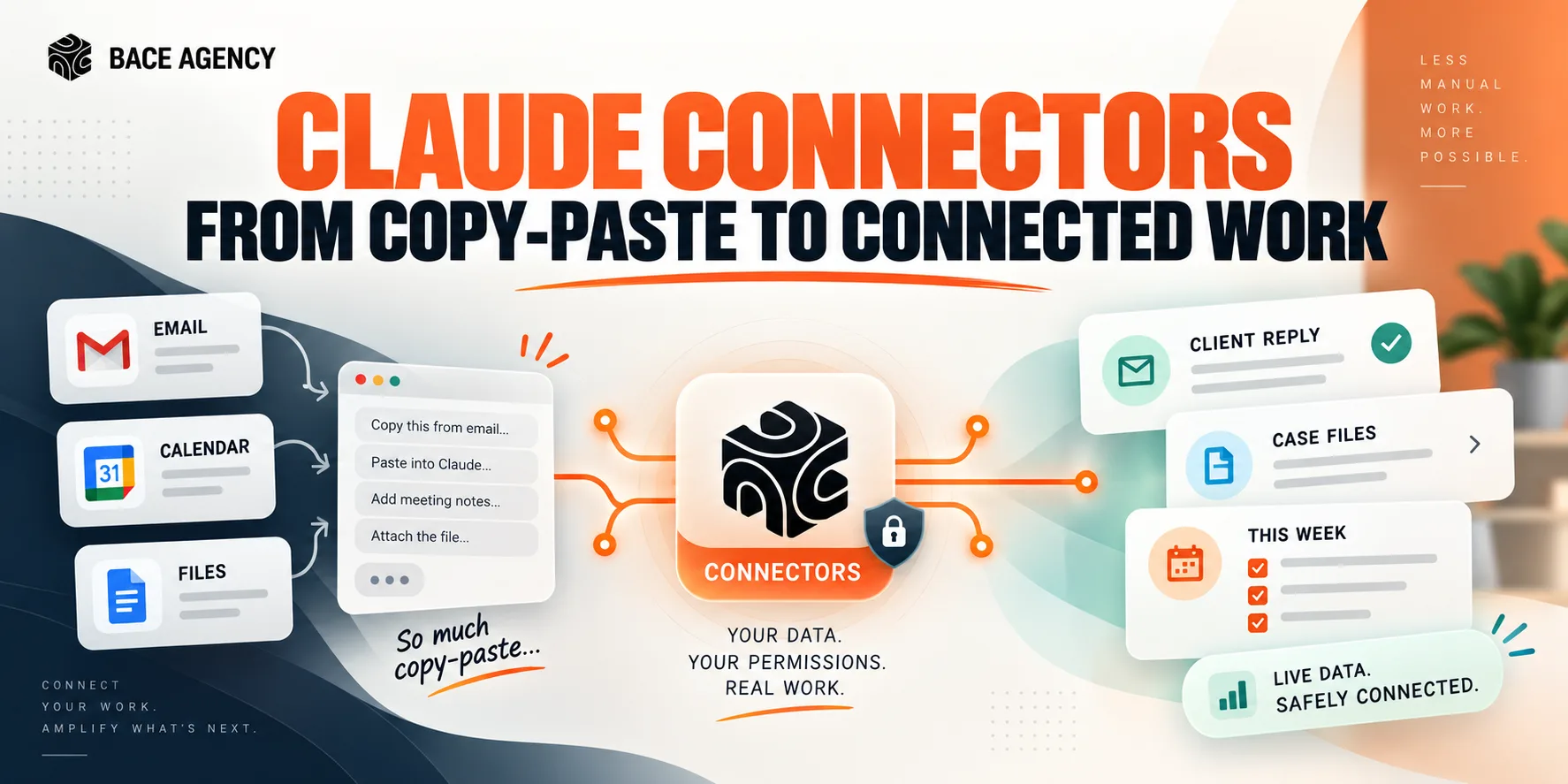
AI stays a clever assistant until it can see your real email, files, and calendar. Connectors are that bridge, and the win depends on connecting narrowly and keeping the writes on approval.
Context Windows: Why AI Drifts on Long Documents
AI answers a short question brilliantly, then gets lost in a forty-page contract. The reason is one concept, the context window, and it changes how you should feed it documents.
Claude Projects Fix AI That Fell Flat
Most firms try AI, see no value, and conclude it's an overhyped toy. The problem is almost always one thing: they never gave it context.
About the author

Written by
Michael Pavlovskyi
Founder, Bace Agency
Michael builds custom Claude and GPT workflows for insurance agencies, law firms, and PE firms on Chicago's North Shore. Speaker at Northwestern and Lake Forest College on practical AI adoption for professional services.
Connect on LinkedInSee it in your firm
Book an audit.
A free 30-minute AI audit. No obligation, no pitch deck.
Book a free AI audit