
AI for Law Firms: Where North Shore Practices Start
Most attorneys know AI could help their practice. The firms pulling ahead are the ones who started with one workflow instead of waiting for a perfect plan.


Key Takeaways
- ✓ Start with one low-stakes, high-frequency workflow before investing in platforms, vendors, or custom builds. Intake summarization is the right first move for most small firms.
- ✓ The ABA found only 30.2% of attorneys' offices currently use AI, up from 11% in 2023. First movers have a real operational advantage while the rest of the market catches up.
- ✓ Clio's 2024 Legal Trends Report shows the average attorney bills just 37% of their working hours. The non-billable hours are the target, not the billable work itself.
- ✓ Measure time saved before expanding to more workflows. Clean before-and-after data from one workflow is more valuable than running five tools with no baseline.
If your Lake Forest or Evanston firm has talked about AI for the past two years without a single workflow changed, you are in good company. The ABA's 2024 AI TechReport found that only 30.2 percent of attorneys' offices currently use AI tools, up from 11 percent the year before. That gap between awareness and action costs real money. Clio's 2024 Legal Trends Report found the average attorney bills just 37 percent of their working hours. That is roughly three hours out of every eight. The non-billable hours are not free time. They are intake paperwork, conflict checks, first-draft research, and follow-up emails: exactly the work AI handles well.
Most Firms Start in the Wrong Place
The most common first mistake at North Shore firms is treating AI adoption as an IT project. Someone calls a vendor, gets a quote for a custom build or an enterprise license, and the whole thing stalls at budget approval. Meanwhile, a modest subscription to Claude would have automated three hours of admin work before the vendor's proposal even arrived.
The ABA's 2024 survey found that the top concern among attorneys who had not yet adopted AI was accuracy, cited by 74.7 percent of respondents. That is a legitimate concern. But it is also a reason to start with low-stakes, high-volume tasks where a wrong first draft costs a few minutes of correction, not a malpractice claim. Start there, not with the hardest work in the firm.
If your intake still runs on email threads and yellow legal pads, you have better first moves available than an API contract. You have a problem AI can address this week, with tools that already exist. The question is not whether to use AI. It is where to start. For most North Shore practices, the lost hours are hiding in intake, conflict checks, and follow-up, not in complex litigation tasks. That is the right starting point.
30.2%
of attorneys' offices now use AI tools, up from 11% in 2023
ABA 2024 AI TechReport
37%
of attorney hours are billable on average. The rest goes to admin.
Clio 2024 Legal Trends Report
54.4%
of firms using AI cite time savings as the primary benefit
ABA 2024 AI TechReport
A Four-Step Plan for Your First 90 Days
You do not need a technology committee, a vendor RFP process, or a firm retreat to start. Here is the sequence that works for a small North Shore practice, whether you are a solo in Highland Park or a six-attorney firm in Winnetka.
Log where your time actually goes for one week.
Not what you think goes where. What actually goes where. Track every 30-minute block across a full work week. You will find two or three tasks that repeat every day and require no professional judgment to complete: summarizing intake forms, drafting conflict-check lists, writing status-update emails. Those are your AI candidates.
Pick one workflow and write a reusable prompt for it.
Not a whole practice area. One task. The best first candidate is new-client intake summarization. You receive a completed intake form, paste it into Claude with a short instruction, and get a three-paragraph case summary and a list of conflict-check names. That is a 20-minute task done in under two minutes. Write the prompt once, reuse it every time.
Run it for 30 days before adding anything else.
Resist the pull to automate everything at once. A single workflow done consistently gives you clean before-and-after data. After 30 days you will know how much time you recovered, what Claude gets right, and where you still need to review carefully. That knowledge is more valuable than any pitch deck a vendor will show you.
Measure the result before you expand.
Write down how long the task took before AI and how long it takes after. That number is your ROI case. It is also your business case for the next workflow. Firms that skip this step end up with five AI tools running in parallel, none of them measured, and no idea whether any of it is actually helping.
"What gets measured gets managed."
Peter Drucker, management theorist and authorThe Tools Your Firm Probably Already Has
You do not need a vendor relationship to start. Most attorneys already have access to at least one tool that handles the first three months of AI adoption well.
Claude: Anthropic's Claude runs complex research summaries, drafts client letters, reviews documents for issues, and handles multi-step instructions without any technical setup. The desktop app reads files directly from your computer, which means you do not have to copy and paste from Clio or your document drive. That alone is worth the subscription cost for most practitioners. You can start on any consumer plan and upgrade only when you need higher usage limits.
Clio's built-in AI features: If your firm already uses Clio for matter management, its AI drafting and summarization tools sit inside the platform you already pay for. You do not need to export anything, integrate a separate tool, or involve IT. The question is whether your team has actually turned it on and learned to use it.
What you probably do not need yet: the Claude API, a custom-built agent, or a managed AI service. As I wrote in an earlier piece on proactive agents, most firms can handle their first wave of AI automation on a flat consumer plan, without touching the API. The API becomes worth the investment when you are running hundreds of tasks per day at scale. For a small practice doing 10 to 30 matters at a time, the consumer plan covers it completely.
SAMPLE CLAUDE PROMPT
"You are assisting a small law firm. I am sharing a new client intake form. Please do three things: (1) Write a three-sentence summary of the legal matter, (2) List every proper name in the form that should be run through a conflict check, and (3) Draft a short email to the client confirming receipt and giving them a rough timeline for our next step. Keep the email professional but direct. Here is the intake form: [paste text here]"
Where AI Pays Off Fastest
Not every part of your practice will benefit equally from AI in year one. The use cases below are where small North Shore firms typically see the fastest return, measured by time recovered relative to how long setup takes. Notice that the first two rows require only light review. That is intentional. Start with tasks where a Claude mistake costs a correction, not a client. Build confidence with low-stakes tasks first, then move up.
| Use Case | Setup Time | Best Starting Tool | Payoff Speed | Review Required |
|---|---|---|---|---|
| New client intake summaries | One afternoon | Claude (any plan) | Immediate | Light: verify names and key facts |
| Conflict-check name lists | 30 minutes | Claude (any plan) | Immediate | Light: confirm no omissions |
| Client status-update emails | One afternoon | Claude (any plan) | Immediate | Light: personalize tone and review |
| Research first drafts | Half a day | Claude Max or Pro | Within a week | Heavy: verify all citations carefully |
| Document review checklists | Half a day | Claude Max or Pro | Within a week | Medium: add firm-specific items |
Here is where I think most firms get the sequence wrong: they start with research drafts because that feels like the biggest time saver, but it also carries the highest risk of a convincing-sounding error. Start with intake and conflict checks. They are easier to verify, and the habit of reviewing AI output carefully carries over when you move to higher-stakes tasks.
How to Know It Is Working
If you ran through the four steps above, you should have one before-and-after data point after 30 days. Here is what to track as you expand across more workflows.
Time from first client contact to first meeting. This is largely driven by intake processing. If AI cuts your intake review from an hour to ten minutes, that improvement shows up here. For most practices, a faster intake also means a better first impression, which matters for conversion and client satisfaction.
Hours billed per attorney per day. Clio's benchmark of 37 percent utilization gives you an industry baseline. If your firm is at or near that rate, recovering 30 minutes of admin per day per attorney moves the needle meaningfully across a full year. That is not dramatic on paper, but it compounds.
Time from first draft to filed or sent document. If AI handles the first draft of client letters and research memos, the attorney's job shifts from drafting to editing. Editing is faster. This metric captures that shift directly.
After 90 days, if none of these numbers have moved, the prompt templates need work or the workflow choice was wrong. Try a different task before adding more tools. If the numbers have moved, you have your case for the next step.
Not sure where to start or which workflows make sense for your specific practice? Bace Agency works with North Shore law firms on exactly this kind of rollout, from identifying the right first workflow to building out a full automation plan. The goal is always the same: start simple, measure honestly, and build from there.
Ready to take the first step? Book a free 30-minute AI audit and we will map out exactly where AI fits in your practice today.
Frequently Asked Questions
Does a small North Shore law firm need a custom AI build to get started? +
No. Most small firms can accomplish their first three to six months of AI adoption using off-the-shelf tools like Claude or the AI features already built into Clio. A custom build or API integration becomes worth considering only when you are running a high volume of repetitive tasks every day and need automation that works without a human pasting content each time. For a small practice doing 10 to 30 active matters, the consumer plans cover the core use cases well.
What is the best first use case for AI at a law firm? +
New client intake summarization is the fastest, lowest-risk starting point for most firms. You receive a completed intake form, paste it into Claude with a reusable prompt, and get a short case summary and a list of names to run through a conflict check. The task is high-frequency, easy to verify, and carries low risk if Claude makes a minor error. That combination makes it the right place to build confidence before moving to research drafts or document review.
How long does it take to see results from AI at a law firm? +
Most firms that start with one well-defined workflow see measurable time savings within the first 30 days. The first week is setup and prompt refinement. By weeks two and three, the workflow runs consistently. By day 30, you have a before-and-after comparison you can use to decide whether to expand. Firms that try to automate multiple workflows at once typically see no clear results because there is no clean baseline to measure against.
Does using AI tools put a law firm at risk of ethics violations? +
Using AI tools at a law firm does not inherently violate ethics rules, but attorneys retain full professional responsibility for any work product that goes out under their name. That means every AI-generated draft, summary, or research memo must be reviewed by a licensed attorney before it is sent to a client or filed with a court. The ABA and most state bars have issued guidance confirming that AI use is permissible with appropriate supervision. The practical answer: start with tasks where review is fast and errors are easy to catch, and build your verification habits before using AI on high-stakes work.
When should a North Shore law firm upgrade from a consumer AI plan to the API? +
The API becomes worth it when you need AI to run automatically in the background without a human initiating each task, or when you are processing so many documents per day that the volume exceeds what a consumer plan handles efficiently. For most small firms doing under 50 matters at a time, a consumer Claude subscription handles the core workflows. The right signal to upgrade is when your team is pasting the same prompt more than 20 to 30 times per day and the manual step has become a bottleneck.
Related Articles
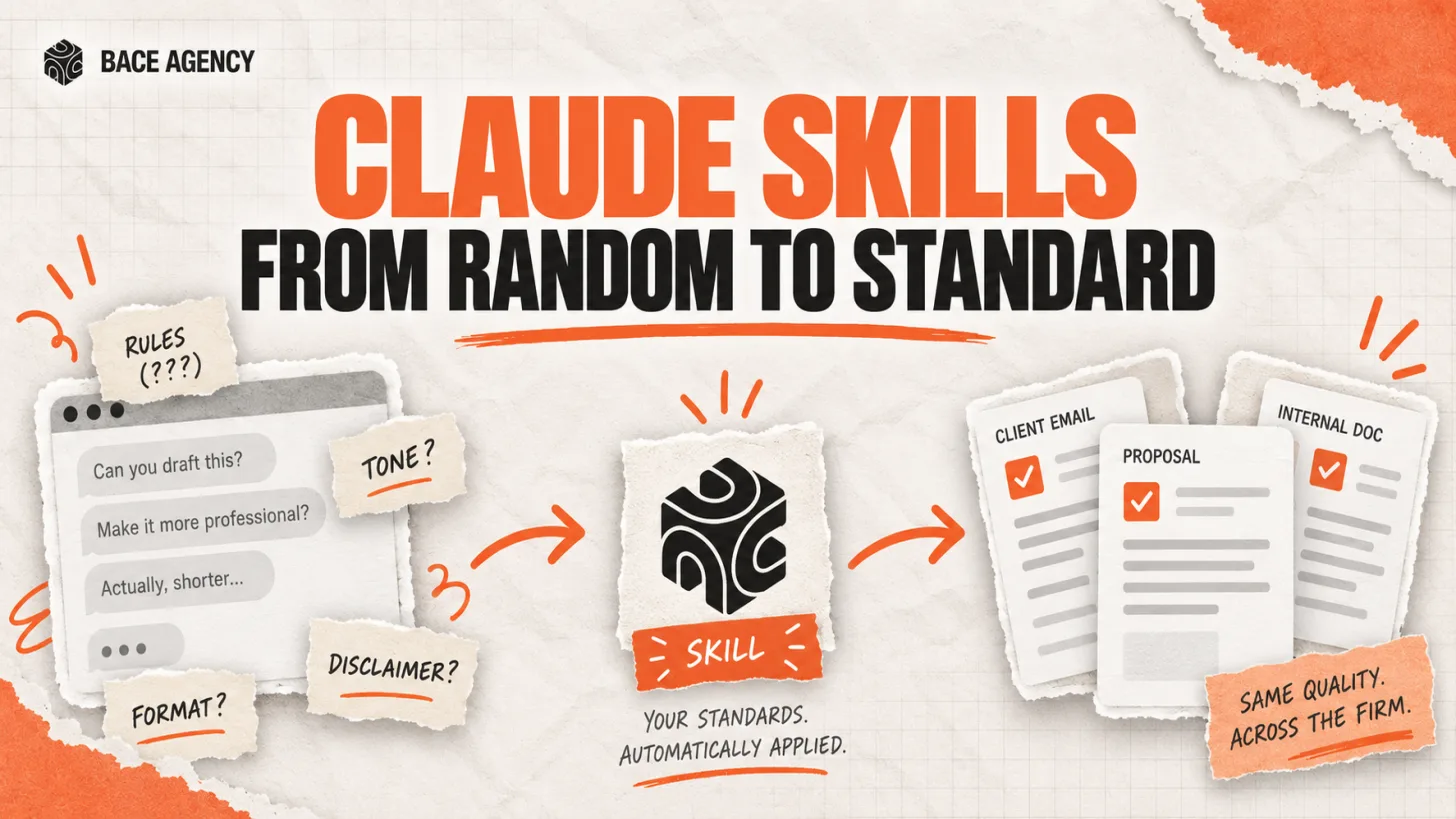
Claude Skills Give a Law Firm One AI Standard
One associate gets sharp drafts, another gets generic filler from the same tool. A Claude Skill turns one person's rules into a standard the whole firm can rely on.
Let AI Agents Handle Intake at Evanston Law Firms
Most Evanston firms still run intake on a phone and a Word template. The firms pulling ahead hand the whole new-matter pipeline to an agent, then review its work before anything reaches the client.

Oregon Federal Court Fines Lawyers $110,000 Over AI
Two lawyers were fined $110,000 for filing AI-invented case citations. The lesson is not to avoid AI. It is to verify it. Here is the workflow that prevents it.
About the author

Written by
Michael Pavlovskyi
Founder, Bace Agency
Michael builds custom Claude and GPT workflows for insurance agencies, law firms, and PE firms on Chicago's North Shore. Speaker at Northwestern and Lake Forest College on practical AI adoption for professional services.
Connect on LinkedInSee it in your firm
Book an audit.
A free 30-minute AI audit. No obligation, no pitch deck.
Book a free AI audit