
Let AI Agents Handle Intake at Evanston Law Firms
The firms pulling ahead are not buying another intake form. They hand the whole new-matter pipeline to an agent and review its work before anything reaches the client.

Key Takeaways
- ✓ An AI intake agent runs the steps of a new matter, capture, conflict check, qualification, and a draft engagement letter, then stops and waits for an attorney to approve before anything goes to the client.
- ✓ An agent is different from a form. Anthropic defines agents as systems that direct their own steps and tools, where a workflow just follows a fixed path you wrote in advance.
- ✓ Adoption is no longer fringe. The American Bar Association found AI use at law firms jumped from 11 percent in 2023 to 30 percent in 2024.
- ✓ Accuracy is the top worry for lawyers, named by 75 percent in the same survey. That is the argument for a human gate on every output, not the argument against using an agent at all.
Most Evanston law firms still run intake on a phone, a Word template, and whoever is at the front desk. A call comes in, someone takes a message, and the matter waits in a queue until an attorney has a free hour. That hour is usually the next morning. By then the caller has often left a message with two other firms. This is where AI agents for client intake change the math, and not in the way the software vendors describe it.
I build automation systems for professional-services firms on Chicago's North Shore. The firms getting real value are not buying a smarter intake form. They are handing the whole front end of a new matter to an agent that captures the inquiry, runs a first-pass conflict check, sorts it by practice area, and drafts an engagement letter, then hands the file to a lawyer to review and sign off. The attorney still decides. The agent just does the assembly work that used to eat the morning.
The distinction matters because it changes who the tool is for. A form helps the person filling it out. An agent does the work and shows you the result.
11% to 30%
Share of law firms using AI tools, 2023 to 2024. Source: ABA 2024 Legal Technology Survey.
75%
Lawyers who name accuracy as their top AI concern, which is exactly why a human reviews every agent output. Source: ABA.
First reply wins
Faster-responding firms tend to convert more inquiries into clients. Source: Clio Legal Trends.
What Does an AI Client Intake Agent Do?
An AI client intake agent is a system that takes a new inquiry and works through the intake steps on its own, calling tools as it goes, then pauses for a human to approve. The key word is agent. Anthropic draws a clean line here: a workflow runs through a fixed path you coded in advance, while an agent decides its own next step based on what it finds. Intake is a good fit for an agent because no two inquiries arrive the same way. One is a voicemail. One is a web form at 11 p.m. One is a forwarded email with three attachments.
In practice the loop is simple. The agent reads the inquiry, pulls the few facts it needs, checks them against your existing client list, and produces a draft: a clean matter summary, a conflict flag if it finds one, a suggested practice area, and a first-draft engagement letter. Anthropic's own guidance is to build these systems to "pause for human feedback at checkpoints," which is the right design for a law office. The agent never sends anything. It stages the work and stops.
That stopping point is the whole product. The agent compresses an hour of assembly into a few minutes, and the attorney spends those saved minutes on judgment instead of typing.
"The agent does not replace the lawyer's judgment. It removes the forty minutes of typing that happen before the judgment starts."
Michael Pavlovskyi, Bace AgencyWhy This Matters for Evanston Law Firms
Evanston runs on small and mid-sized firms: estate and trust shops, family practices, litigation boutiques, a lot of solo and two-partner offices near the Northwestern campus and downtown. These firms do not have a dedicated intake team. The partner is the intake team, between a deposition and a closing. That is the exact spot where matters slip.
The lost time is real and measurable. Most attorneys bill far fewer hours than they work, and a chunk of the gap disappears into intake, conflict checks, and follow-up that never shows up on a profit-and-loss statement. I wrote about where those hours go in the billable hours Evanston lawyers lose every day. An intake agent attacks that gap directly, because intake is mostly pattern work: same questions, same conflict search, same letter, different names.
If you want the plain-English version of what "agentic" even means before you spend a dollar, start with what agentic AI actually means for professional services. Then look at the full pipeline view in our breakdown of AI client intake automation for law firms. This article is the agent-run version of that same pipeline, where the system does the steps instead of just routing them.
Use Case 1: After-Hours Capture and Triage
The inquiry that arrives at 11 p.m. should not wait until 9 a.m. to become a file.
A web inquiry or a voicemail comes in after the office closes. The agent reads it, fills in a structured matter summary, tags the likely practice area, flags anything urgent like a statute-of-limitations date, and drafts a same-night acknowledgment for the attorney to approve in the morning. The caller hears back fast, which is often the entire reason they pick one firm over another, and the partner walks in to a sorted queue instead of a stack of pink slips.
SAMPLE CLAUDE PROMPT
"You are handling after-hours intake for a small law firm. Read the inquiry below and return a structured summary: caller name and contact, one-line description of the legal issue, likely practice area, any time-sensitive deadline you can spot, and three follow-up questions an attorney should ask. Then draft a short, warm acknowledgment email the attorney can review and send in the morning. Do not give legal advice or quote a fee. Inquiry: [paste]"
Use Case 2: First-Pass Conflict Check
The agent runs the search and shows its work. The attorney makes the call.
Before a firm can take a matter, it has to check the new parties against current and former clients and known adverse parties. Done by hand, this is slow and easy to skip when everyone is busy, which is how a conflict slips through. An agent can run the name search across your client list and matter records, surface every possible match with the reason it flagged each one, and rank them by how likely they are to be real. It does not clear the conflict. It hands the attorney a short, sourced list to rule on, which turns a twenty-minute search into a two-minute review.
SAMPLE CLAUDE PROMPT
"Compare the parties in this new matter against the attached list of current clients, former clients, and adverse parties. List every possible name match, including close spellings and related entities. For each one, say why it matched and rate it high, medium, or low likelihood of a real conflict. Do not decide whether a conflict exists. Present the matches as a table for an attorney to review. New matter parties: [paste]. Existing records: [paste]"
Use Case 3: Draft the Engagement Letter and Follow-Up
A first draft on your own template, not a blank page, with the lawyer signing off on every word.
Once an attorney approves the matter, the agent drafts the engagement letter from the firm's own approved template, fills in the scope and the parties, and queues a short follow-up sequence so a qualified lead does not go cold while the partner is in court. Every draft lands in the attorney's review queue. Nothing reaches the client until a person reads it and sends it. The firm keeps its voice and its terms, and the associate stops rebuilding the same letter from scratch each week.
SAMPLE CLAUDE PROMPT
"Using the firm's engagement letter template below, draft an engagement letter for this approved matter. Fill in the client name, the scope of work, and the parties from the matter summary. Leave the fee section and any blank the template marks as attorney-input untouched and clearly highlighted. Keep the firm's existing wording and tone. Output a draft for an attorney to review and edit before sending. Template: [paste]. Matter summary: [paste]"
How Does Agent Intake Compare to Manual Intake?
| Intake step | Manual intake | Agent-run intake |
|---|---|---|
| Capture the inquiry | Phone message or form sits in a queue | Read and structured into a summary in minutes |
| Conflict check | Manual name search, often delayed | First-pass search with ranked, sourced matches |
| Qualify and route | Partner reads it between other work | Tagged by practice area and urgency |
| Engagement letter | Associate rebuilds from a template | Draft on the firm template, ready for review |
| Human decision | Yes | Yes, on every output before it sends |
How to Get Started
Map how a matter actually enters your firm today
Follow three recent matters from first contact to signed engagement. Note every hand-off and every delay. That map, not a feature list, tells you where an agent earns its keep first.
Start with one step, with a human gate
Pick the single slowest step, usually after-hours capture or the conflict check, and run an agent on just that, with an attorney approving every output. Prove it on one practice area before you widen it.
Keep client data inside a setup you control
Run the agent on an approved business account where your data is not used for training, or for sealed and sensitive matters, on a private local AI setup that keeps every file inside the firm.
What This Does Not Replace
An intake agent does not practice law, and it does not clear a conflict. It assembles and proposes. The attorney decides whether a conflict is real, whether to take the matter, and what the engagement letter says. The duty of competence and the duty to supervise the work do not move to the software, and a draft from an agent is exactly that, a draft, until a lawyer reviews it. The reason 75 percent of lawyers name accuracy as their top concern is sound, and the answer is the human gate, not avoidance. If you want the longer version of why a well-built agent is safer than the chatbot most people picture, read why AI agents are safer than you think.
It also does not require a national vendor or an expensive custom platform. This is close work that fits how your firm already runs intake, which is the kind of build a local operator does at your desk rather than a slide deck. The next thing worth watching is context length, since longer context lets an agent hold a full client history and a stack of attachments in one pass, which makes the conflict step sharper. The AI readiness quiz takes about five minutes if you want a quick read on where your firm stands. And if you want to see exactly where intake is leaking matters, a free 30-minute AI audit in person on the North Shore or by video is the fastest way to find it.
Frequently Asked Questions
What is the difference between an AI intake agent and an intake form?
An intake form helps the person filling it out by organizing what they type. An AI intake agent does the work itself: it reads an inquiry however it arrives, runs a first-pass conflict check, sorts the matter by practice area, and drafts an engagement letter, then stops for an attorney to review. A form collects information. An agent acts on it and shows you the result, which is the difference Anthropic draws between a fixed workflow and an agent that directs its own steps.
Is it safe for a small Evanston law firm to use AI for client intake?
Yes, when it is built with a human gate and proper data control. Every agent output is a draft that an attorney reviews before anything reaches the client, so the lawyer keeps the decisions and the duty of competence stays with the firm. For confidential or sealed matters, the agent can run on an approved business account where your data is not used for training, or on a private local setup that keeps every file inside the office. The risk to manage is unreviewed output, which the review step removes.
Will an AI agent decide whether a conflict of interest exists?
No. The agent runs the conflict search across your client and matter records, surfaces every possible match with the reason it flagged each one, and ranks them by likelihood. It does not clear or waive a conflict. It hands the attorney a short, sourced list to rule on, which turns a slow manual search into a quick review. The judgment stays with the lawyer, where the rules require it to be.
How much of intake can an agent actually handle?
The repeatable assembly work: capturing the inquiry, drafting a matter summary, running the first-pass conflict search, tagging the practice area, and drafting the engagement letter from your template. What it does not handle is the decision to take the matter, the legal advice, the fee, and the final wording of anything that goes out. Most firms start with one step, usually after-hours capture or the conflict check, prove it on a single practice area, then widen it.
Do I need an expensive custom platform to run an intake agent?
No. A working intake agent fits the tools your firm already uses and runs on an approved business account, not a national enterprise platform. The build is close, hands-on work: map how matters enter your firm, automate the slowest step first, and keep client data in a setup you control. That is a focused project for a local operator, not a long, expensive software rollout.
Related Articles
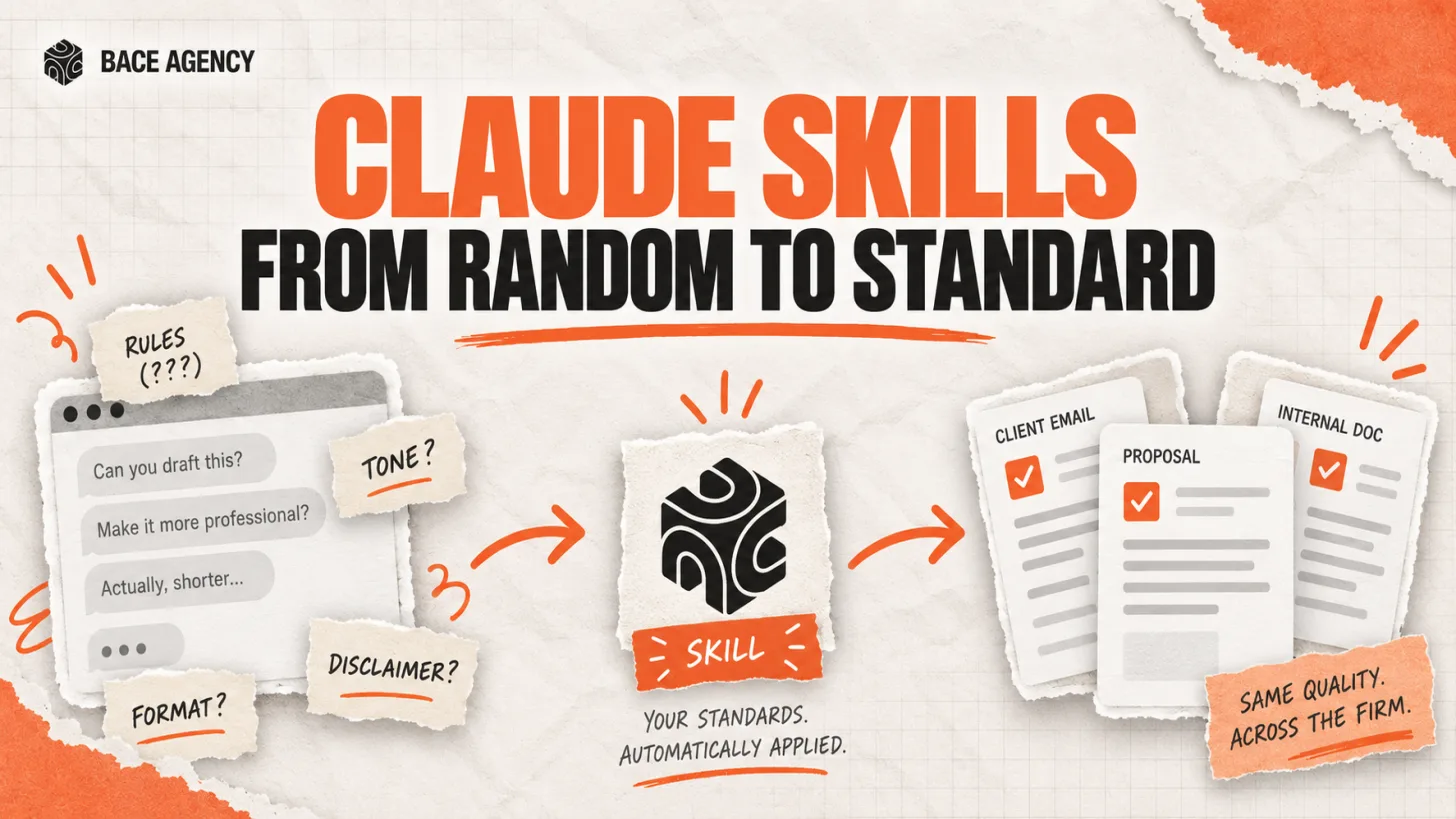
Claude Skills Give a Law Firm One AI Standard
One associate gets sharp drafts, another gets generic filler from the same tool. A Claude Skill turns one person's rules into a standard the whole firm can rely on.
Oregon Federal Court Fines Lawyers $110,000 Over AI
Two lawyers were fined $110,000 for filing AI-invented case citations. The lesson is not to avoid AI. It is to verify it. Here is the workflow that prevents it.
Legal Workflow Software Is Not a Workflow
Most law firms buy Clio or MyCase and call it workflow automation. The software is the container. The actual workflow, the sequence of decisions that moves a matter forward, still lives in a partner's head. Here is why that matters and what AI actually fixes.
About the author

Written by
Michael Pavlovskyi
Founder, Bace Agency
Michael builds custom Claude and GPT workflows for insurance agencies, law firms, and PE firms on Chicago's North Shore. Speaker at Northwestern and Lake Forest College on practical AI adoption for professional services.
Connect on LinkedInSee it in your firm
Book an audit.
A free 30-minute AI audit. No obligation, no pitch deck.
Book a free AI audit