
AI Client Intake Automation for Law Firms
Most law firms lose new matters not because they ignore inquiries, but because intake is not a system. Here is what a working pipeline looks like, step by step.


Key Takeaways
- ✓ According to Clio's 2024 Legal Trends Report, 48% of law firms were unreachable by phone when a prospective client called. Just 33% responded to email. The problem is not attitude. It is the absence of a system.
- ✓ A working intake pipeline has five steps: capture every inquiry, classify the matter type, respond immediately, qualify the facts, and route a clean summary to your team. Automating even two of those five steps closes most of the gap.
- ✓ Your confidentiality duty to a prospective client begins at the first contact under ABA Model Rule 1.18. The tools you use for intake have to reflect that.
- ✓ You do not need new case management software to start. Pick the one channel that leaks the most, usually the web form or the after-hours line, and automate just that first.
According to Clio's 2024 Legal Trends Report, 48% of law firms were unreachable by phone when a prospective client called. Just 33% responded to email. And 73% of people who did reach a firm said they would not recommend it.
That is not a people problem. Most of those firms have competent staff. It is a workflow problem. Intake is not built as a connected system. It is a pile of tasks assigned to whoever is least busy. When everyone is busy, the tasks wait.
This piece is about the pipeline itself: what the five steps are, how they connect, how they differ by practice type, and where the compliance guardrails need to live. If you want the argument for why speed matters at intake, we covered that in detail in our piece on AI client intake for small law firms. This article assumes you already believe it and want to know what to build.
I work with law firms across the North Shore, and intake is the first workflow I audit. The biggest surprise is rarely the technology. It is how many inquiries sit untouched because nobody owns the process end to end. Most partners tell me they have a lead generation problem. After looking at the actual numbers, more often they have an intake problem.
Why Intake Breaks Down, Even at Well-Run Firms
Intake failures follow a predictable structural pattern. Inquiries arrive through multiple channels simultaneously and nobody owns the end-to-end process. A contact form goes to a shared inbox. A voicemail sits in a phone system nobody monitors after hours. A referral arrives by email without a subject line. Each gap is small on its own. Together, they account for most of what the Clio data is measuring.
The problem is not motivation. Attorneys and staff at these firms are not ignoring inquiries. They are handling them the same way they always have: through individual effort and informal tracking. That approach works until volume picks up, someone is out, or two things happen at the same time. Which is most days.
When I map intake for a firm, I ask the team to walk me through the last five inquiries they received. Usually two or three are still sitting somewhere unresolved. Not because anyone ignored them. Because the handoff was never clear. The firms that close this gap are the ones that stopped treating intake as a series of individual tasks and built it as a connected system.
The Five Steps of a Working Intake Pipeline
Intake automation is not a chatbot on your website. A chatbot is one component of one step. A real pipeline covers five things.
Capture
Every channel a prospect uses (contact form, phone, email, referral text) flows into one place. Most firms run four or five separate inboxes handled differently. Unifying them means nothing gets lost and every inquiry is treated the same regardless of when it comes in.
Classify
The system reads the incoming message and tags it: matter type, names and companies for a conflict flag, urgency level. Classification does not take legal judgment. It takes pattern recognition, and AI is good at it.
Respond
An automatic reply goes out within a minute or two, any time of day. Not a generic confirmation message. A useful one: it confirms receipt, sets a realistic expectation on callback timing, and asks one specific qualifying question. The prospect hears back before they have finished deciding who else to call.
Qualify
The system gathers the facts your attorneys actually need: matter type, opposing parties if known, rough timeline, how the prospect found you. Three to five focused questions at the right moment turns a raw inquiry into a usable brief.
Route
A clean summary drops into the right person's queue: matter type, conflict flags, key facts, and a suggested next step. The attorney or office manager opens a note, not a raw email thread. They make one decision: take the call or send a decline.
The whole cycle, from first contact to routed summary, takes a few minutes. With a manual process, the same cycle takes hours or never completes. Here is what that looks like across the channels most North Shore firms use:
| Channel | Without automation | With automation |
|---|---|---|
| Web contact form | Next business day, if seen | Under 2 minutes, any hour |
| After-hours call | Voicemail, returned next morning | Immediate reply, transcribed and routed |
| Email referral | Hours to a day, depending on inbox load | Minutes, with conflict flag and summary |
| Direct text or message | Inconsistent, no log | Captured, classified, replied to automatically |
These are illustrative patterns from firms I see, not guaranteed results. Your own audit will show you which row is costing you the most.
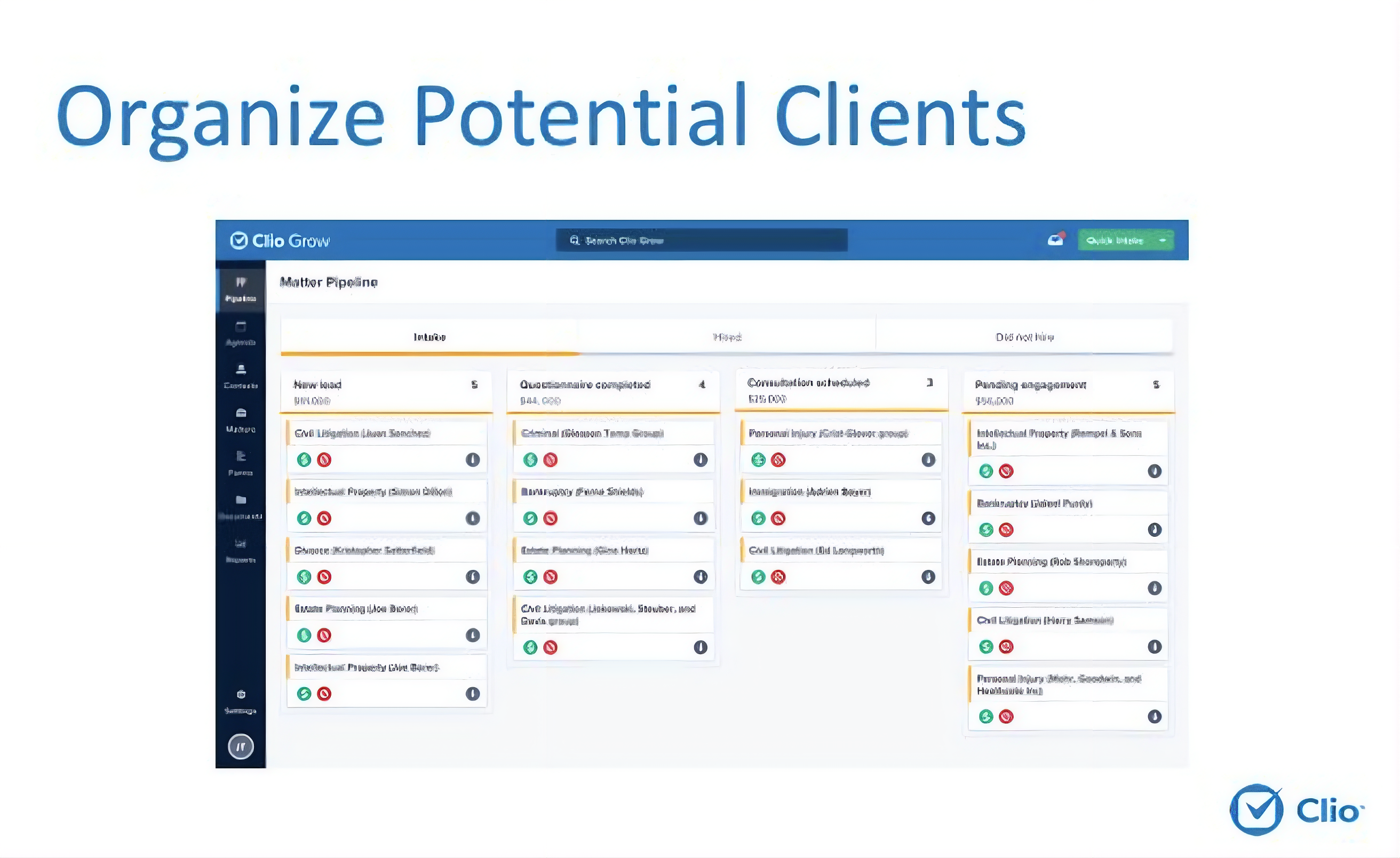
How the Pipeline Differs by Practice Type
The five steps are the same for every firm. The qualifying questions, conflict triggers, and routing rules differ by practice area. That is where the configuration earns its keep.
Estate planning. The key questions are: is this for planning (will, trust, powers of attorney) or administration (probate, trust settlement)? Is there a time-sensitive event? Who are the relevant parties? A pipeline for a Lake Forest estate planning firm asks these, flags names against the existing matter list, and routes a summary with urgency noted. The attorney's first call is a prepared conversation, not a cold outreach.
Family law. Urgency comes first. Is there an existing filing? Minor children? A safety concern? A parent in an emergency needs an immediate response, not a callback next week. The system flags high-urgency matters within seconds and routes them accordingly, rather than placing them in a queue with everything else.
Litigation and business disputes. Counterparty names are critical here because a conflict miss at week three costs far more than catching it at hour one. The intake pipeline pulls opposing party names immediately, runs them against your matter list, and flags any overlap before anyone picks up the phone. We covered what a conflict miss actually costs in a separate piece.
In each case, the attorney still decides. The pipeline just ensures that decision happens with the right facts, quickly.
The Compliance Layer You Cannot Skip
Your confidentiality duty to a prospective client begins at the first contact, before you have signed anything or decided to take the matter. That is ABA Model Rule 1.18 on duties to prospective clients. The moment someone shares the facts of their problem, you are holding information you are obligated to protect.
This means three things for how you build the system. First, keep prospect data on infrastructure you control. A free consumer chatbot pasted onto your contact page does not meet that bar. You do not know where the data goes, how long it is stored, or who can access it. Second, collect only what is reasonably necessary to decide whether you can take the matter. Rule 1.18 actually rewards a lighter touch at intake. Third, log what the system collected and when, so you can show your process if it is ever questioned.
A well-documented, narrow system is easier to defend than a tired associate at the end of a long Friday. For more on how to think about AI infrastructure for sensitive client work, our piece on why AI agents are safer than most firm owners think covers the architecture.
"The intake problem is not a people problem. It is a system problem. A working pipeline means the system does its job, so your people can do theirs."
Michael Pavlovskyi, Bace AgencyA Prompt You Can Test Today
You do not need a vendor to see how this works. Open Claude, paste in a real inquiry from last week (strip the client's name and any identifying details first), and run the prompt below.
SAMPLE CLAUDE PROMPT
"You are the intake assistant for a law firm. Read the inbound message below and do the following: 1) Classify the matter type: estate planning, family law, business dispute, personal injury, real estate, or other. 2) List any proper names or company names that should be run through a conflict check. 3) List the two or three facts still needed to evaluate whether the firm can take the matter. 4) Draft a two-sentence reply that confirms receipt, sets a callback expectation, and asks the single most important qualifying question. Do not give legal advice. Do not quote fees. Rate the urgency LOW, MEDIUM, or HIGH and explain your reasoning in one sentence."
You will get back a classified matter, a conflict name list, a holding reply, and an urgency call in about ten seconds. That is the first ten minutes of intake, handled. A production system just does this automatically, every time, on infrastructure your firm controls.
How to Get Started
Run a one-week intake audit
Write down every channel a new client can use to reach your firm. Track, for one week, how long each channel actually takes to get a real response. Not the goal. The actual time. Most firms are surprised. The gap is almost always larger than expected.
Automate your single worst channel first
For most firms it is the web form after business hours or the general email inbox. Automate just that one. Get the instant response and the routing working. Watch it for two weeks. Only expand once it has earned the trust.
Connect it to your existing tools
You do not need to replace your case management software. The automation sits in front of it and hands off a clean summary. Clio, MyCase, Practice Panther, and similar platforms all have integration points that a well-built pipeline can connect to.
What This Does Not Replace
Intake automation handles the first ten minutes of every inquiry. It does not replace the attorney's judgment on whether to take a matter, how to price it, or how to run it. It does not give legal advice to prospects. It does not replace the relationships that keep clients coming back. Those all stay with your team.
The system is narrow by design. A narrow, well-documented pipeline is easier to trust, easier to audit, and easier to defend under Rule 1.18 than a broad system doing more than it should. Build it to handle the handoff reliably, and let your attorneys do the rest.
Firms rarely lose matters because they lack expertise. They lose them because the first contact was handled too slowly, or not at all. A prospect who does not hear back within a few hours does not wait. They move on to the next firm on their search results.
I have mapped intake at enough North Shore firms to say this with confidence: the bottleneck is almost never the legal work. It is the ten minutes before the legal work starts. The inquiry that sat in a queue. The voicemail nobody transcribed. The email referral buried under billing follow-up.
Intake automation does not replace attorneys. It makes sure attorneys get the opportunity to speak with prospective clients before a competitor does. The system handles the first ten minutes. The attorney handles everything that matters after that.
For firms ready to see what this looks like mapped to their specific workflow, a free 30-minute AI audit is available in person on the North Shore or by video. No obligation. You leave with a one-page plan your team can act on inside a quarter.
Frequently Asked Questions
Does intake automation replace my receptionist or paralegal? +
No. It handles the first few minutes of every inquiry: the immediate reply, the basic qualifying questions, the conflict flag, and the routing summary. A person still decides whether to take the matter, makes the call, and manages the relationship. The system clears the runway. Your team still lands the plane.
Is AI client intake compliant with attorney confidentiality rules? +
Yes, when it is built correctly. Your duty of confidentiality begins at the first contact under ABA Model Rule 1.18, so the system has to keep prospect data on infrastructure you control, collect only what is reasonably necessary, and log what it gathered. A free consumer chatbot does not meet that bar.
What tools does a law firm intake pipeline actually use? +
A typical setup includes an intake form with logic branching, an AI layer for classification and draft replies, a conflict check step connected to your matter list, and a routing step that drops a summary into your existing case management tool. The automation sits in front of your current systems rather than replacing them.
How long does it take to set up? +
For a single channel, say the web contact form, a basic version can be running in one to two weeks. A full multi-channel pipeline with custom qualifying logic for your practice areas takes longer. The right approach is to start with the one channel that leaks the most, get it working, then expand.
Does this work with my existing case management software? +
In most cases, yes. Clio, MyCase, Practice Panther, and similar platforms all have integration points a well-built pipeline can connect to. The intake system feeds a clean summary into your existing tools rather than replacing them.
Related Articles
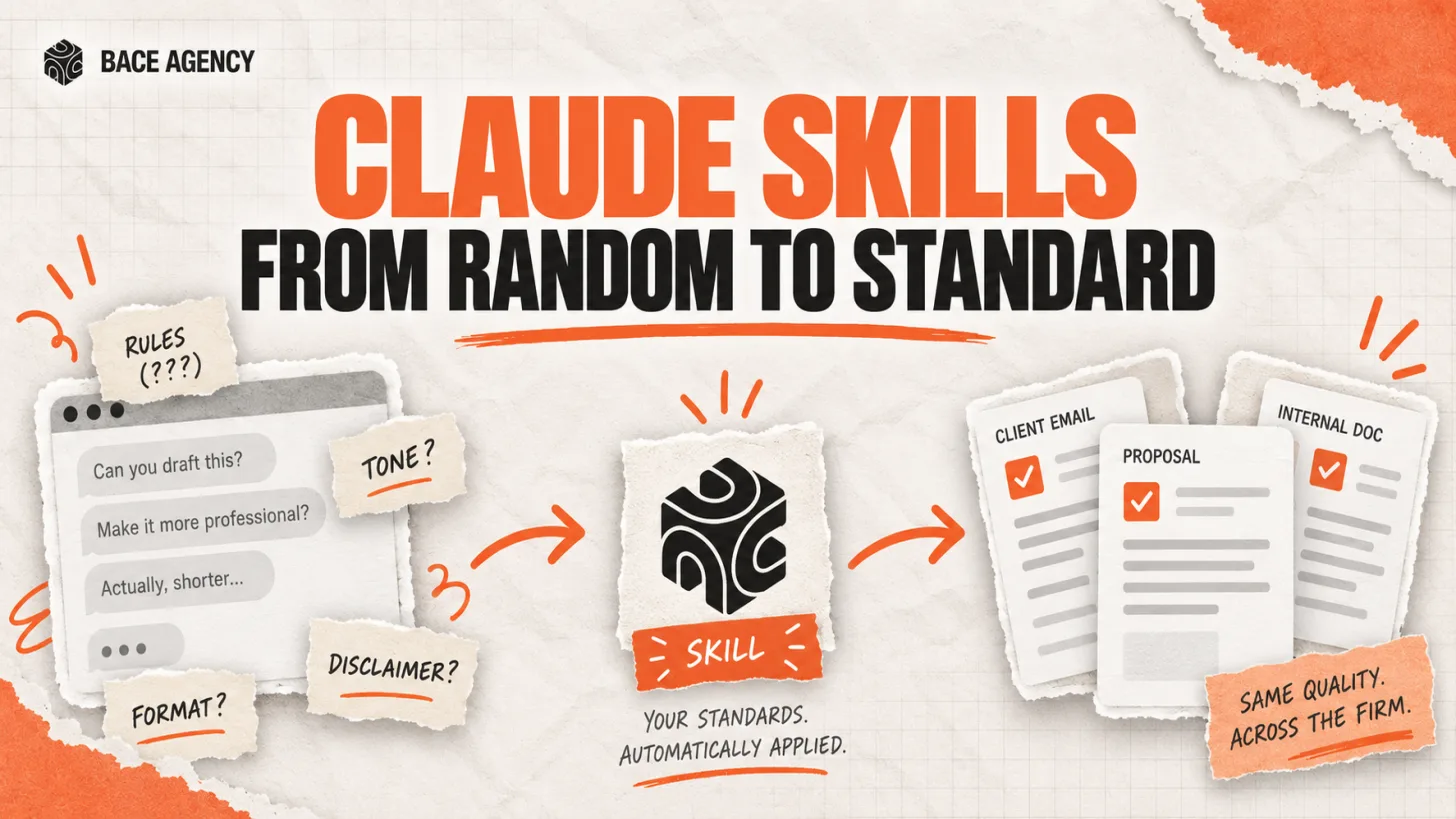
Claude Skills Give a Law Firm One AI Standard
One associate gets sharp drafts, another gets generic filler from the same tool. A Claude Skill turns one person's rules into a standard the whole firm can rely on.
Let AI Agents Handle Intake at Evanston Law Firms
Most Evanston firms still run intake on a phone and a Word template. The firms pulling ahead hand the whole new-matter pipeline to an agent, then review its work before anything reaches the client.

Oregon Federal Court Fines Lawyers $110,000 Over AI
Two lawyers were fined $110,000 for filing AI-invented case citations. The lesson is not to avoid AI. It is to verify it. Here is the workflow that prevents it.
About the author

Written by
Michael Pavlovskyi
Founder, Bace Agency
Michael builds custom Claude and GPT workflows for insurance agencies, law firms, and PE firms on Chicago's North Shore. Speaker at Northwestern and Lake Forest College on practical AI adoption for professional services.
Connect on LinkedInSee it in your firm
Book an audit.
A free 30-minute AI audit. No obligation, no pitch deck.
Book a free AI audit