
Legal Workflow Automation for North Shore Firms
The billing gap is real, and it is closable. Here is where North Shore law practices should start with automation.


Key Takeaways
- ✓ Firms with wide AI adoption are nearly 3x more likely to report revenue growth, per Clio's 2025 Legal Trends research, and growing practices use automation at roughly double the rate of stable firms.
- ✓ Client intake, document first drafts, and client status updates are the three legal workflows that deliver the fastest automation return for small North Shore practices, because they are high volume, highly repeatable, and low-risk.
- ✓ Claude can read uploaded legal documents and produce analysis or client-ready summaries on a flat consumer subscription, without a custom API build or case management system integration.
- ✓ Every AI-assisted legal workflow should include a human review checkpoint before output reaches a client. This is the correct structure for professional services automation, not an optional safeguard.
If your Evanston or Lake Forest law practice still processes client intake by hand, starts every standard document from a blank template, and routes matter status updates through an attorney's inbox, you are spending judgment-grade time on production-grade work. That gap costs the average North Shore practice real revenue every week.
The firms closing that gap in 2026 are not the largest on the Shore. They are the ones that identified three or four repeatable workflows, applied the right tool to each one, and kept a human in the loop before anything goes to a client. Here is what is actually working, and how to start this week.
The Billing Gap Every North Shore Practice Carries
According to the Bloomberg Law 2026 Attorney Workload and Hours Survey, the average attorney works roughly 49 hours per week but bills for only 37. That is about 12 hours every week absorbed by work that does not show up on an invoice: file maintenance, intake paperwork, status emails, and document prep from scratch.
The gap is not a time-management problem. It is a task-routing problem. Most of those 12 hours sit in repeatable, predictable processes that an AI tool can handle without a licensed attorney's direct involvement. The attorney's job is judgment. Drafting a boilerplate intake form or sending a routine status update does not require it.
"There is nothing so useless as doing efficiently that which should not be done at all."
Peter Drucker, on the difference between efficiency and prioritizationDrucker's point applies directly here. The answer is not to speed up your current intake process. It is to stop routing it through people who should be billing at their full rate. According to the Clio 2025 Legal Trends Report, growing practices use automation at roughly double the rate of stable firms and nearly triple the rate of shrinking ones. The pattern is consistent across firm size: practices that delegate operational work to tools grow faster than practices that delegate it to staff alone.
Three Legal Workflows Worth Automating First
Not every process is worth automating, and not every tool earns back the time you spend setting it up. Here are the three where North Shore practices get the fastest return, based on the combination of volume, repeatability, and the risk profile if something needs correction.
Client intake. When a new matter opens at your Winnetka or Glencoe practice, the same questions get asked, the same data gets recorded, and the same conflict check process runs. All of it follows a script. Clio's workflow automation tools handle this natively: intake forms, data capture, conflict checks, and matter creation all run on a trigger, not on a paralegal's to-do list. If you are not using Clio, a Zapier workflow that routes a form submission into your case management system produces the same outcome.
Document first drafts. Standard retainer agreements, demand letters, engagement letters, and simple contract templates follow predictable structures. A well-constructed Claude prompt, given your firm's preferred structure and the relevant client facts, produces a solid first draft in a fraction of the time it takes an attorney to build from a blank page. The attorney's job shifts from construction to review, which is a better use of their time and a better use of your firm's overhead.
Client-facing updates. Most status updates are 200-word emails telling a client where things stand and what is next. That is a communication task, not a legal judgment task. Paste the current matter notes into Claude, ask for a professional summary addressed to the client, and approve or adjust the output. The attorney still reads every word. They just did not write it from scratch.
| Workflow | Without AI | With AI |
|---|---|---|
| Client intake | Staff manually enters data, runs conflict check by hand, creates matter record | Intake form triggers automated data capture, conflict check, and matter creation |
| Document first draft | Attorney or paralegal builds from blank template each time | Claude generates first draft from matter notes and template prompt; attorney reviews for judgment calls |
| Client status updates | Attorney drafts each email from scratch before sending | AI drafts update from case notes; attorney approves and sends |
| Deadline tracking | Calendar entries created by hand from court documents | Court document uploaded to Claude; key dates extracted and flagged automatically |
If your practice is still running intake through a shared inbox and standard documents from a folder of older versions, read my breakdown of what a proactive agent approach looks like for a Lake Forest law firm before deciding whether you need anything more complex. For most practices under 15 attorneys, the consumer-plan tools cover the high-value cases without a custom build.
Where Claude Fits in a Legal Practice
Claude reads documents. Not a summary produced by a keyword index. The actual text of the uploaded file. Drop in a 40-page purchase agreement and ask Claude to flag non-standard indemnification language, list all deadline dates, and produce a plain-English summary for your client. The output arrives in well under two minutes. That kind of task, done manually, takes a paralegal the better part of an afternoon.
This is not a capability that requires an API integration or a custom software build. It runs on the standard Claude Pro subscription. For most North Shore practices under 15 attorneys, that is the right starting point: one subscription, used consistently by the attorneys and paralegals who would otherwise be doing the work by hand.
SAMPLE CLAUDE PROMPT
"I am going to paste in the notes from a client intake meeting. Please draft a professional follow-up email that: (1) summarizes the key decisions made in the meeting, (2) lists the next steps with the responsible party for each, and (3) sets a clear timeline for our next check-in. Keep it under 250 words. Professional tone, addressed to a small business owner, not legal jargon."
One thing Claude does not do out of the box: access your case management system. For drafting and document analysis, you can upload files directly into the conversation. For tasks that require pulling live matter data or pushing output to an external system, you need either Clio's native AI tools or a workflow connector via Zapier or Make.
For longer-running jobs such as multi-day discovery review or ongoing monitoring of a complex matter file, cloud-hosted legal agents add the persistence that a browser session cannot. A Wilmette firm handling document-heavy discovery can start the review, close the laptop, and return to a completed analysis rather than leaving a machine running overnight.
I want to name one thing plainly here. AI does not replace attorney judgment on the merits of a case, on the ethics of a position, or on strategy. It replaces the production work that sits between the strategic decisions: the drafting, the formatting, the extracting, the emailing. That boundary matters, and a well-built workflow respects it at every step.
Starting This Week at Your Firm
The practices that stall on automation do so at the same point: they try to change five things at once, or they spend three months evaluating tools without running a single test. The practices that succeed pick one workflow, run it for 30 days, and measure whether it saves real time before adding a second. Start smaller than you think you need to.
Identify your highest-volume repeatable process
Block 60 minutes and list every task your team performs more than once a week that follows a predictable script. New client intake, document first drafts, and status updates are the usual top three. Pick the one your team spends the most cumulative time on each week.
Look for a process that is high volume, low variability, and low risk if an AI draft needs a correction. That combination is where automation earns back its setup time fastest.
Run a 30-day test alongside your current process
Do not replace the manual process on day one. Run the automated version alongside it for a full month. Compare the time each takes, the error rate in the output, and whether the AI draft needs frequent correction. If it saves meaningful time and produces reliable output, you have a clean case to make the switch.
If it does not, you have learned something useful without disrupting a live process for a client.
Build a human checkpoint before anything reaches a client
Every AI-generated output that touches a client should pass through attorney or paralegal review before it goes out. Not because the output will necessarily be wrong, but because your firm's reputation and professional obligations require a person to own the final product.
The checkpoint adds a few seconds. It removes the tail risk. Keep it in the workflow permanently, even after the output quality improves over time.
If you are not sure which workflows make the most sense to start with, the Bace Agency AI Readiness Quiz takes about five minutes and outputs a prioritized list of automation candidates based on your practice type and current tech stack.
If you want a structured roadmap rather than a solo build, take a look at our consulting services for North Shore law practices. The engagement starts with a conversation about where your time is actually going, not a software demo.
For firms ready to move past planning, a free 30-minute AI audit is available in person on the North Shore or on video. The output is a one-page action plan your team can work through inside a quarter.
Frequently Asked Questions
What are the most effective legal workflows to automate first? +
Client intake, document first drafts, and client status updates are the three workflows that deliver the fastest return for most small law practices. They are high volume, highly repeatable, and low-risk if an AI draft needs a correction. All three can be addressed using Clio's native workflow tools, Claude Pro, and a connector like Zapier or Make, without a custom API build.
Does legal workflow automation require a custom software build or API integration? +
No. Most of the high-value automation for a small North Shore law practice runs on existing tools: Clio's built-in workflow features handle intake and matter creation; Claude Pro handles document drafting and analysis; Zapier or Make can connect them without writing a line of code. A custom API build makes sense only when the volume or complexity exceeds what these tools can handle on consumer plans.
How does Claude handle client confidentiality when reviewing legal documents? +
Anthropic states that conversations with Claude are not used to train models by default for paid accounts. For practices with strict confidentiality requirements, Anthropic offers enterprise-tier agreements with additional data protection terms. The same care that applies to sending files to outside counsel applies to AI tools: review the data policy, use firm-managed accounts rather than personal ones, and never upload documents you would not share with a trusted third party under a confidentiality agreement.
How long does it take to see results from legal workflow automation? +
Most North Shore practices that start with a single high-volume workflow report measurable time savings within the first 30 days of consistent use. The key variables are how repeatable the target workflow is, how well the initial prompt or template is written, and whether a human review checkpoint is built in. Practices that try to automate multiple workflows at once typically take longer to see results because the setup overhead is spread too thin.
What is the risk if an AI-generated legal document contains an error? +
The risk is the same as any error in a client document: professional liability, client harm, and reputational damage. That is why every AI-assisted workflow for client-facing output should include an attorney review checkpoint before anything is sent. AI handles the production work; the attorney owns the final product. That division of responsibility is not a workaround. It is the correct structure for human-in-the-loop automation in a professional services context.
Related Articles
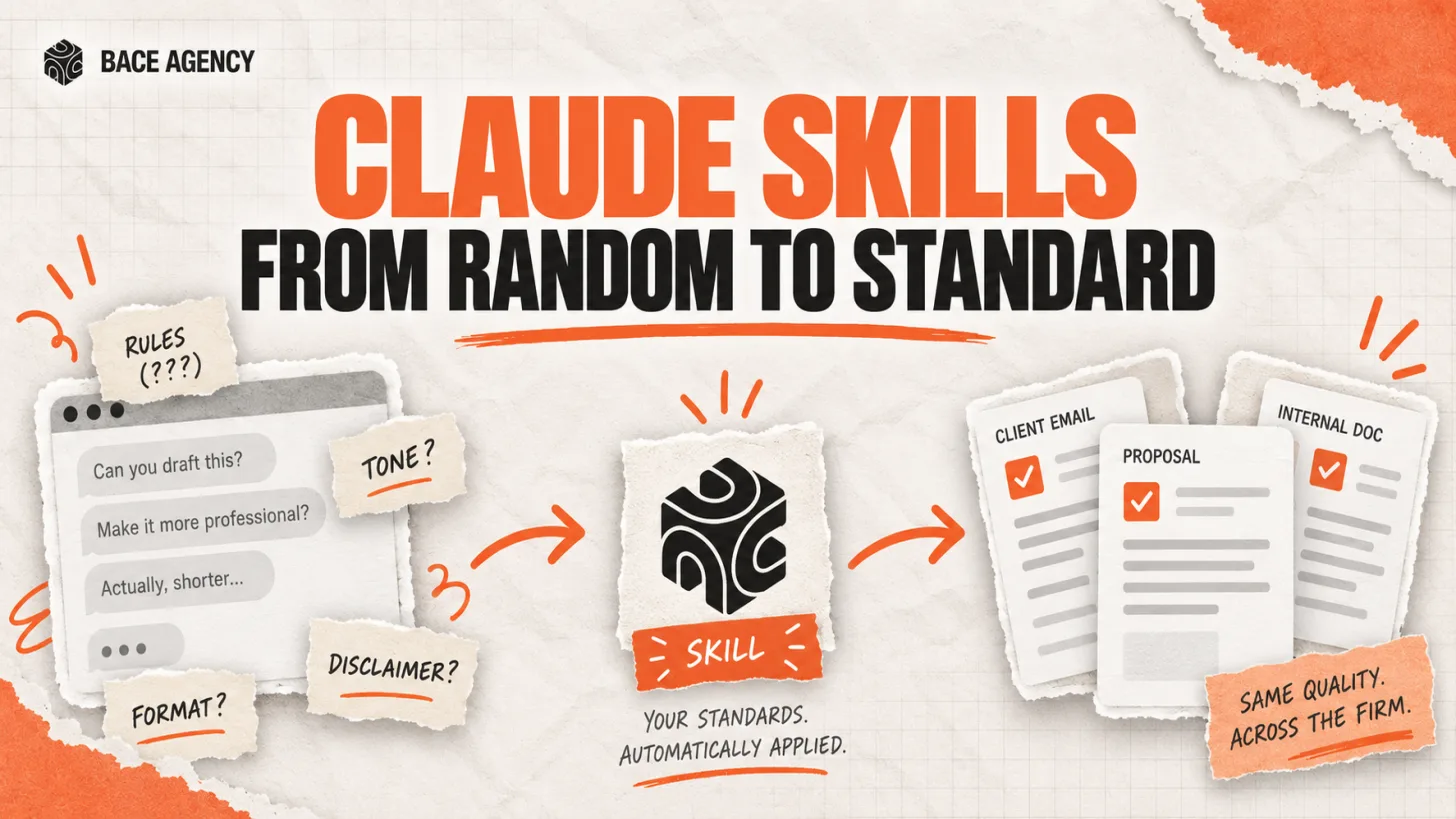
Claude Skills Give a Law Firm One AI Standard
One associate gets sharp drafts, another gets generic filler from the same tool. A Claude Skill turns one person's rules into a standard the whole firm can rely on.
Let AI Agents Handle Intake at Evanston Law Firms
Most Evanston firms still run intake on a phone and a Word template. The firms pulling ahead hand the whole new-matter pipeline to an agent, then review its work before anything reaches the client.
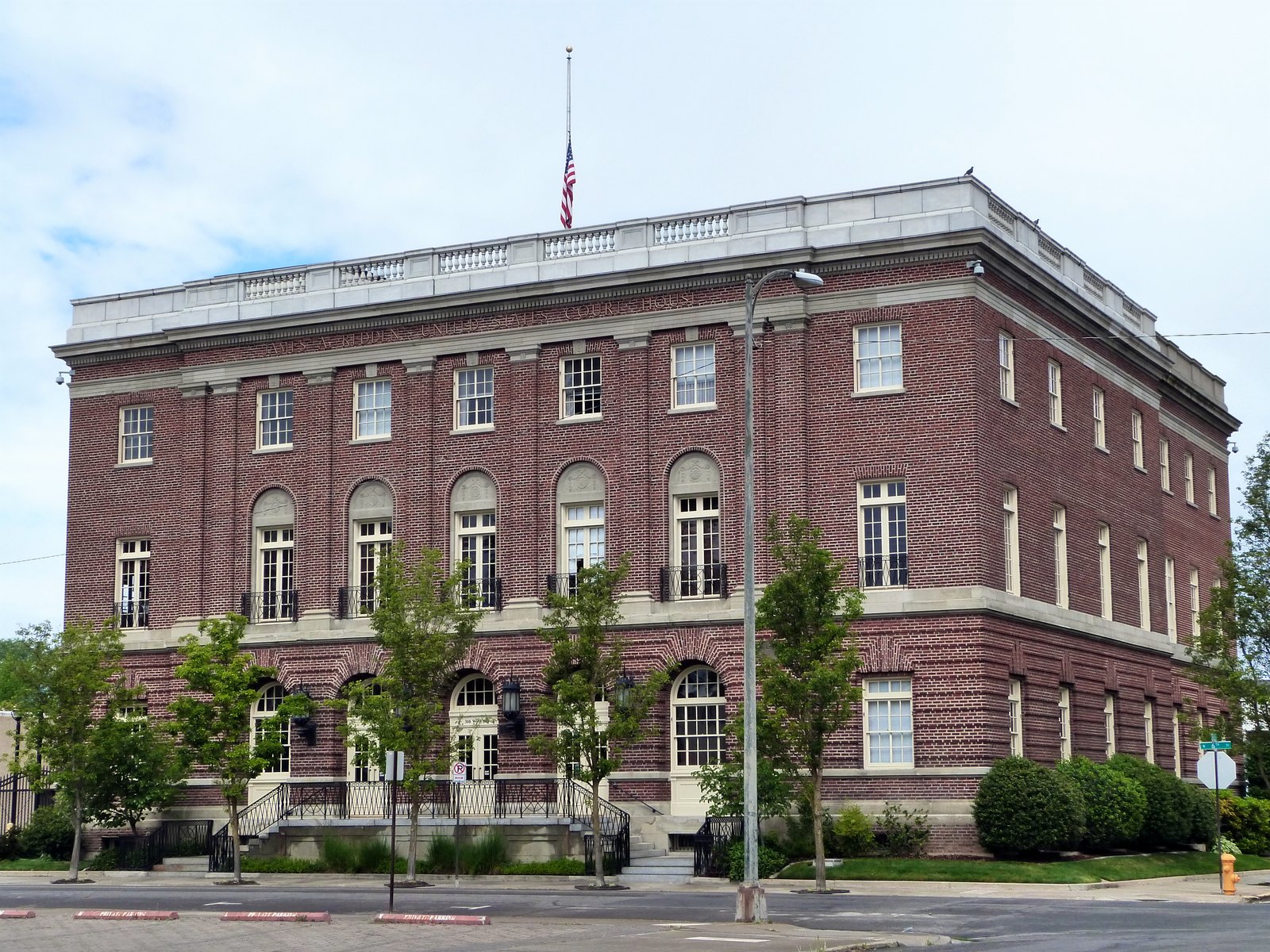
Oregon Federal Court Fines Lawyers $110,000 Over AI
Two lawyers were fined $110,000 for filing AI-invented case citations. The lesson is not to avoid AI. It is to verify it. Here is the workflow that prevents it.
About the author

Written by
Michael Pavlovskyi
Founder, Bace Agency
Michael builds custom Claude and GPT workflows for insurance agencies, law firms, and PE firms on Chicago's North Shore. Speaker at Northwestern and Lake Forest College on practical AI adoption for professional services.
Connect on LinkedInSee it in your firm
Book an audit.
A free 30-minute AI audit. No obligation, no pitch deck.
Book a free AI audit