
On-Premise AI Keeps Client Files In House
Most firms can use cloud AI safely. For sealed, privileged, and high-profile matters, running models on hardware you own is the cleaner answer.

Key Takeaways
- ✓ On-premise AI means the model runs on a machine your firm owns. Nothing about the matter is sent to a vendor's servers. For most firms, a properly configured business cloud account is enough. On-premise is for the cases where it is not.
- ✓ Your confidentiality duty does not pause for software. Under ABA Model Rule 1.6(c) you must make reasonable efforts to prevent unauthorized access to client information. The tool you pick is part of that effort.
- ✓ The 2024 ABA ethics guidance on AI tools tells lawyers to know where their data goes. With on-premise AI, the answer is simple: nowhere.
- ✓ You do not need a server room. A single workstation under a desk can run a capable open weight model for a small firm. The decision is about which matters justify it, not about buying a data center.
I get the same question from law firm partners across the North Shore. Is it safe to put client information into AI? The honest answer is that for most firms, a business account on a major cloud tool, configured correctly, is safe enough. But some matters are different. A sealed settlement. A high-profile divorce in Winnetka. A government investigation. For those, partners want to know there is a version of AI where the file never leaves the building.
There is. It is called on-premise, or local, AI. The model runs on a machine your firm owns and controls. No request goes out to a vendor. No data sits on someone else's server. For the narrow set of matters where that matters, it is the cleanest answer to a confidentiality duty that does not bend for new technology.
This is not the right setup for every firm or every file. It costs more to stand up and someone has to maintain it. The point of this piece is to help you decide which side of the line your work falls on, and what the on-premise option actually involves if you cross it.
72%
of organizations cite cybersecurity as a relevant risk from AI. Source: McKinsey State of AI, 2025
51%
reported at least one negative AI related incident in the prior year, including privacy breaches. Source: McKinsey State of AI, 2025
1.6(c)
the rule requiring reasonable efforts to prevent unauthorized access to client information. Source: ABA Model Rule 1.6
What On-Premise AI Actually Means
Start with how cloud AI works, because the contrast is the whole point. When you type into a hosted tool, your text travels to the vendor's servers, the model runs there, and the answer comes back. The vendor sees the request. Reputable business plans promise not to train on your data and to delete it on a schedule, and for most work that promise is fine. But the data still left your office to get processed.
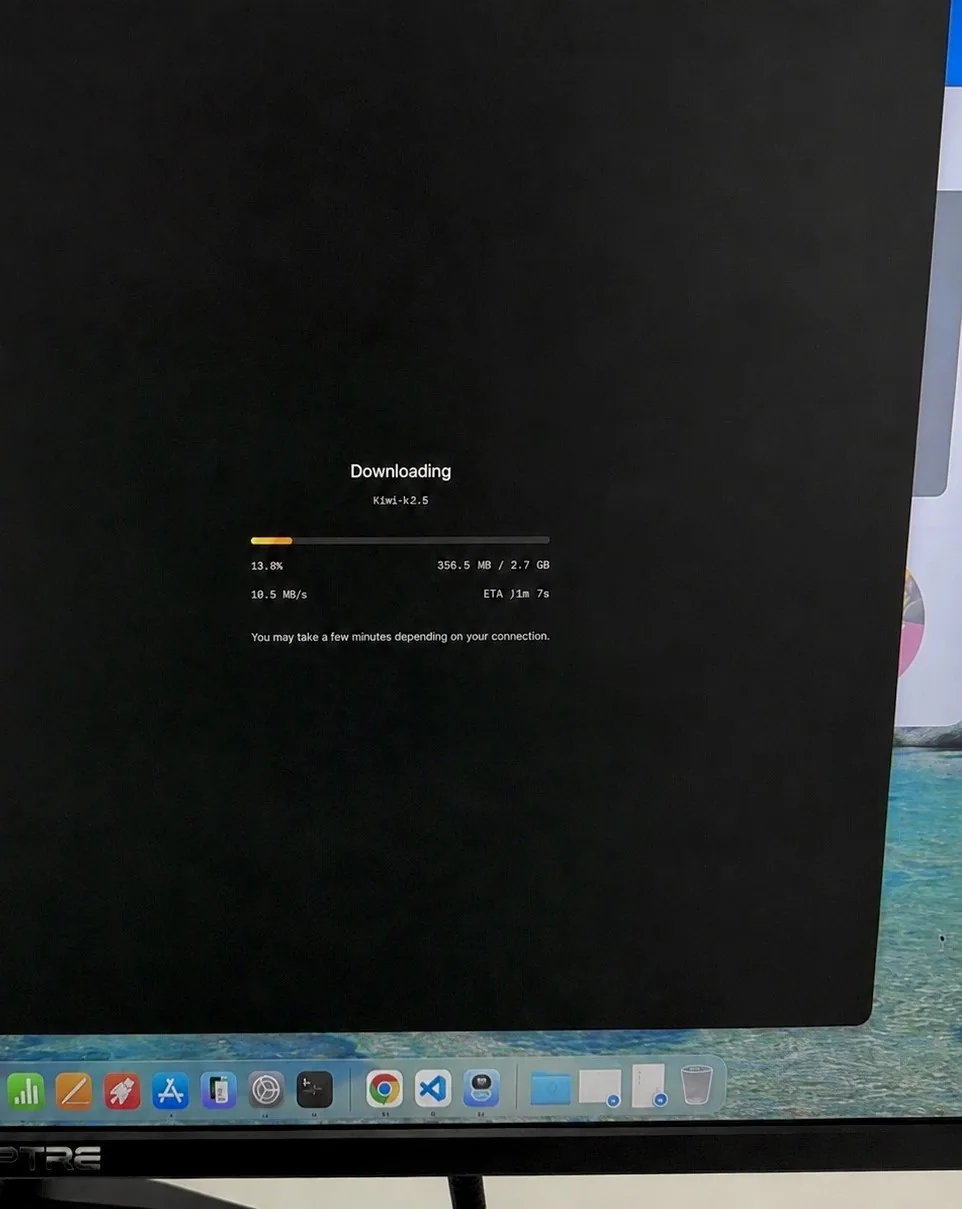
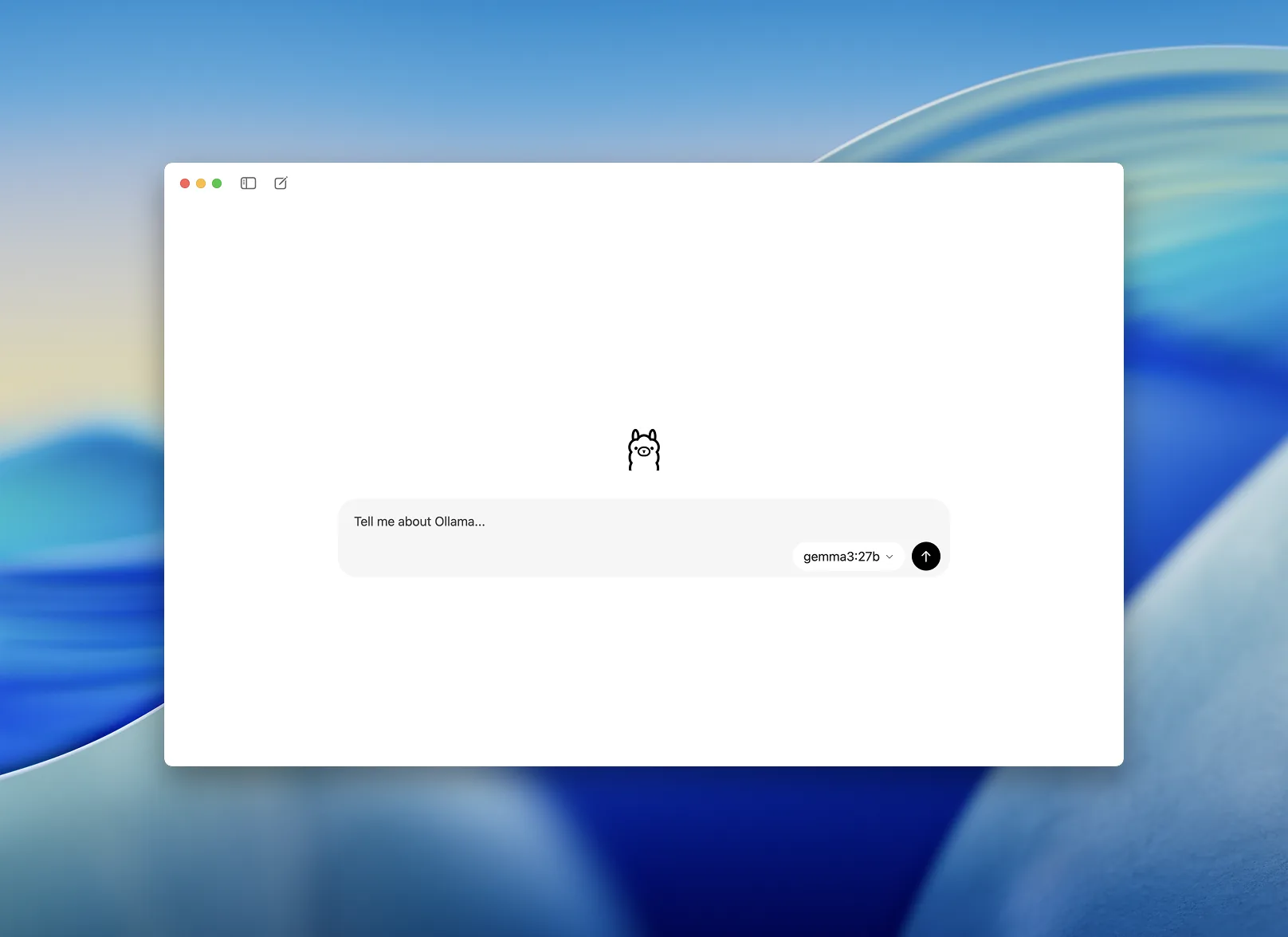
On-premise flips that. You download an open weight model, meaning the model's parameters are published for anyone to run, and you install it on a computer in your office. When a lawyer asks it to summarize a deposition, the work happens on that machine. No internet connection is required for the model to answer. The file, the prompt, and the output all stay on hardware you physically control.
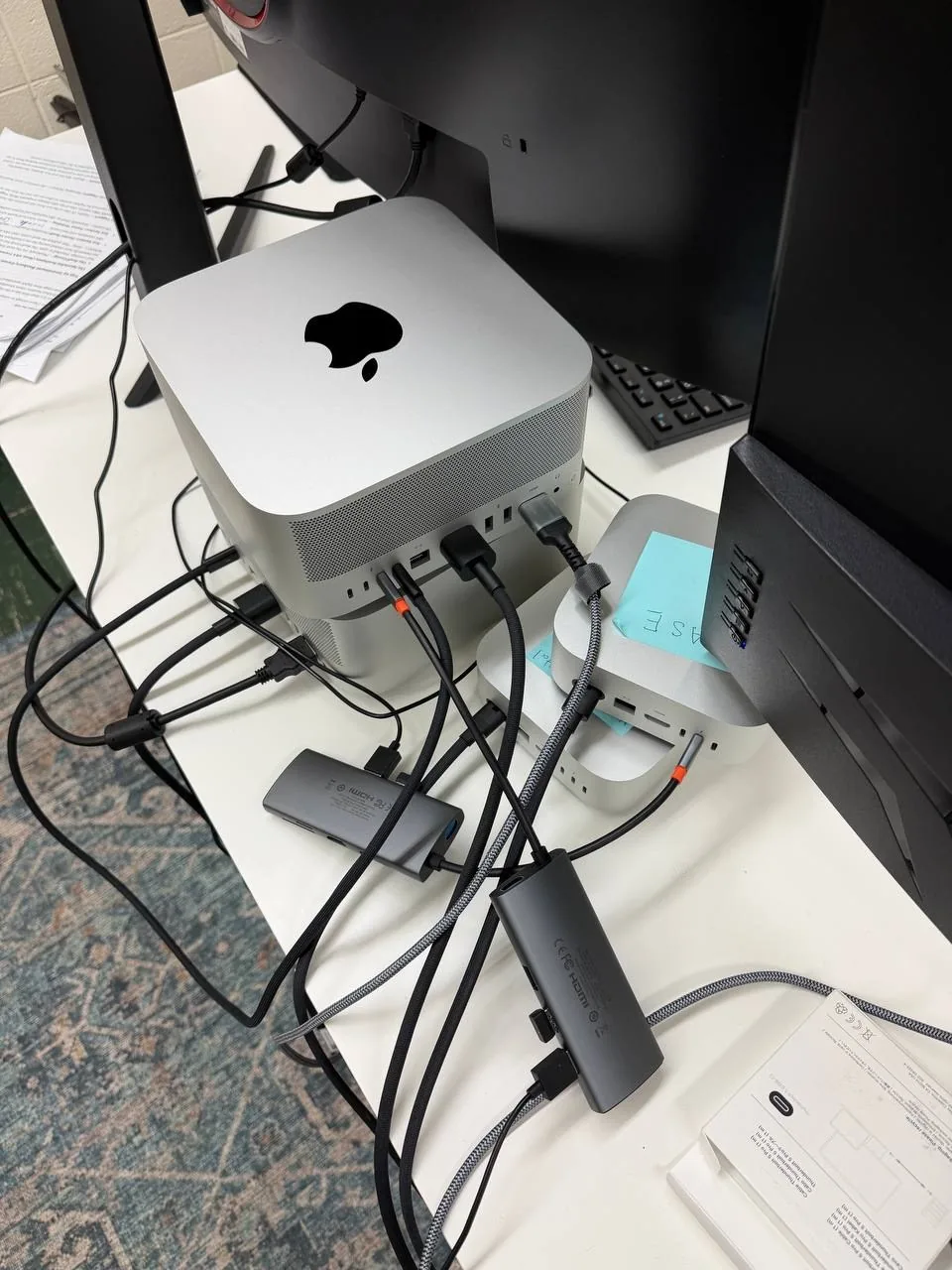
The word "premise" makes people picture a humming server room. For a small firm it is usually one strong workstation. The open weight models that are good enough for document summary, drafting, and review now run on a single machine with a capable graphics card. You are not rebuilding your IT department. You are adding one locked box that handles the sensitive work.
When we set up a local machine for a firm on the North Shore, the hardware is rarely the hard part. The harder questions are which model to run, who gets access, and how the sensitive files move onto the box without leaking somewhere else first. I have built enough of these to know that a fast workstation with a sloppy access policy is not private. It just feels private. The configuration is the product. In our own office, a Mac Studio with 512 gigabytes of memory runs a large open weight model entirely offline, which a few years ago would have needed a rack of servers.
Why This Matters for Law Firms
A law firm's duty here is sharper than a normal business worry about data. Under ABA Model Rule 1.6(c), you have to make reasonable efforts to prevent unauthorized access to client information. The 2024 ABA ethics guidance on generative AI put a finer point on it: a lawyer has to understand how a tool uses data and make sure client information is not exposed to third parties through it.
For everyday work, you meet that bar by choosing a business plan with the right contract terms and turning off training. I am not telling firms to abandon the cloud. I am saying that on a small number of matters, "the vendor contractually promises not to look" is a weaker answer than "the data never went anywhere." When opposing counsel, a regulator, or a reporter is involved, the firm that can say the file never left its own machine is in a stronger position. For the architecture behind that claim, I walked through it in our piece on why AI agents are safer than most firm owners assume.
"Cloud AI asks you to trust a promise. On-premise AI removes the need for the promise. For the handful of matters that justify it, that is the difference worth paying for."
Michael Pavlovskyi, Bace AgencySealed and High-Profile Matters
When the existence of the file is itself sensitive.
Some matters are confidential at a level above the norm. A sealed settlement. A trade secret dispute. A high-profile family law case in Lake Forest or Winnetka where even the client list is private. On these, the firm does not want the contents of a document sitting in a vendor's processing queue, even briefly, even under a no-training promise.
A local model handles the same drafting and summary work without that exposure. The associate can ask it to pull every reference to a specific term across a thousand pages, and the search runs on the firm's own machine. If anyone ever asks where that data went, the answer is that it stayed on a computer in the office. That is a much easier sentence to say under oath than a description of a vendor's retention policy.
The firms that ask us about this are usually not reacting to a general worry. They have one specific matter where the exposure is unacceptable, and they want a setup ready before the next one arrives. That is the right way to scope it. You build the local capability for the category of work that justifies it, not for the whole practice.
Document Review With No Outbound Data
High volume work where the files are too sensitive to send out.
Document review is where AI earns its keep at a firm, and also where the volume of sensitive material is highest. A discovery set can run to tens of thousands of pages of client and third party records. Sending all of that through a hosted tool, even a compliant one, is a lot of confidential information leaving the building.
A local model reviews it in place. It can tag documents by type, surface the ones that mention a named party, and draft a first pass summary, all on a machine in your office. The lawyer still makes every call that requires judgment. The machine just does the first read on material that never should have left in the first place. This is the same logic we apply to keeping intake data on infrastructure the firm controls, extended to the most sensitive stage of a matter.
SAMPLE CLAUDE PROMPT
"You are sorting documents for a litigation review. For the document below, return four fields. Type: contract, email, memo, financial record, or other. Parties: every person or company named. Relevance: HIGH, MEDIUM, or LOW to a dispute about breach of a supply agreement, with one sentence of reasoning. Privilege flag: YES or NO if the document appears to be communication with counsel. Do not draw legal conclusions beyond these fields."
A Secondary Benefit: It Works Offline
Not a reason to go on-premise, but it comes with the territory.
A local model does not need the internet to run. A lawyer prepping in a courthouse with poor signal, traveling for a deposition, or working through an outage can still summarize, search, and draft. The model sits on the machine, not behind a login that needs a strong connection. For solo and small firms, that resilience is a real, if secondary, benefit of owning the infrastructure.
How to Get Started
You do not decide this by buying hardware first. You decide it by sorting your work into two piles: matters where a compliant cloud account is fine, and the smaller set where you want zero outbound data. Then you build for the second pile.
Sort your matters honestly
List the matter types your firm handles. Mark the ones where the confidentiality stakes are unusually high: sealed cases, regulatory exposure, high-profile clients, trade secrets. For most firms this is a short list. That short list is the only work that needs the on-premise setup. Everything else can stay on a properly configured cloud account.
Test on the cloud before you buy anything
Run your real prompts against a hosted tool first, using non-sensitive documents. This tells you whether AI actually helps with your workflow and what quality looks like. There is no point buying a workstation for a process you have not proven. If the cloud version does not earn its place, the local version will not either.
Stand up one local machine for the sensitive pile
For the high-stakes matters, set up a single workstation running an open weight model, locked down and accessible only to the people who need it. This is the part most firms do not want to do alone: choosing the model, configuring the hardware, setting access rules, and training the team so the machine actually gets used and stays secure.
What This Does Not Replace
On-premise AI is not a magic privacy switch, and it is not free. The machine costs real money up front, and someone has to keep the model updated and the access controlled. A local box that nobody patches is its own risk. If you set one up, it needs an owner.
It also does not replace a lawyer's judgment. A local model makes the same kinds of mistakes a cloud model does. It can misread a clause or miss context. Every output on a real matter still needs a human review before it goes anywhere. The privacy benefit is real, but it does not make the model more accurate.
What it does not require is that you sort all of this out alone. The real work here is the decision and the configuration, not the purchase. Drawing the line between which matters belong on a properly locked cloud account and which need a local machine is a judgment call that turns on your practice, your data, and the rules you answer to. Get that line wrong in one direction and you expose a sensitive file. Get it wrong in the other and you sink capital into hardware you did not need. Either mistake costs more than the conversation that would have prevented it.
That conversation is what we do. Bace sets up private local AI machine setups for North Shore firms, and just as often we tell a firm a configured cloud account is the right answer for now. Either way you end up with a setup that holds up to scrutiny instead of a guess. Start with the AI readiness quiz to see where your work points, then book a free 30-minute AI audit, in person on the North Shore or by video, and we will tell you exactly what your firm needs and what it does not. No obligation.
Frequently Asked Questions
Is cloud AI safe for a law firm at all?
For most work, yes, when it is configured correctly. That means a business or enterprise plan with a contract that prohibits training on your data, retention controls turned on, and access limited to the right people. The 2024 ABA ethics guidance asks lawyers to understand how a tool uses data, not to avoid the cloud entirely. On-premise is for the smaller set of matters where you want no outbound data at all.
Do I need a server room for on-premise AI?
No. For a small firm, a single workstation with a capable graphics card can run an open weight model that handles summary, search, and drafting. It looks like one strong desktop computer, not a data center. The setup question is which matters justify it, not how much hardware to buy.
Is a local model as good as the big cloud models?
For the everyday legal tasks of summarizing, searching, and drafting, the better open weight models are good enough for a working firm. The largest cloud models still lead on the hardest reasoning. The honest framing is that you trade a little capability for full control of the data. For sensitive matters, that trade is often worth it. Test both on your real work before deciding.
Does on-premise AI make our firm automatically compliant?
No. Keeping data in house helps with the confidentiality duty under ABA Model Rule 1.6(c), but compliance is about your whole process. The machine still needs access controls, updates, and an owner. And every AI output on a real matter still needs human review. The tool reduces one specific exposure. It does not replace your judgment or your security practices.
How much does a local AI setup cost?
It depends on the model you run and the hardware it needs, so the right number comes from looking at your specific work. The bigger cost is getting the decision wrong: an exposed file on one side, wasted hardware on the other. A short audit prices the setup and tells you whether it is justified before you spend anything, so the capital goes where it earns its keep.
Related Articles
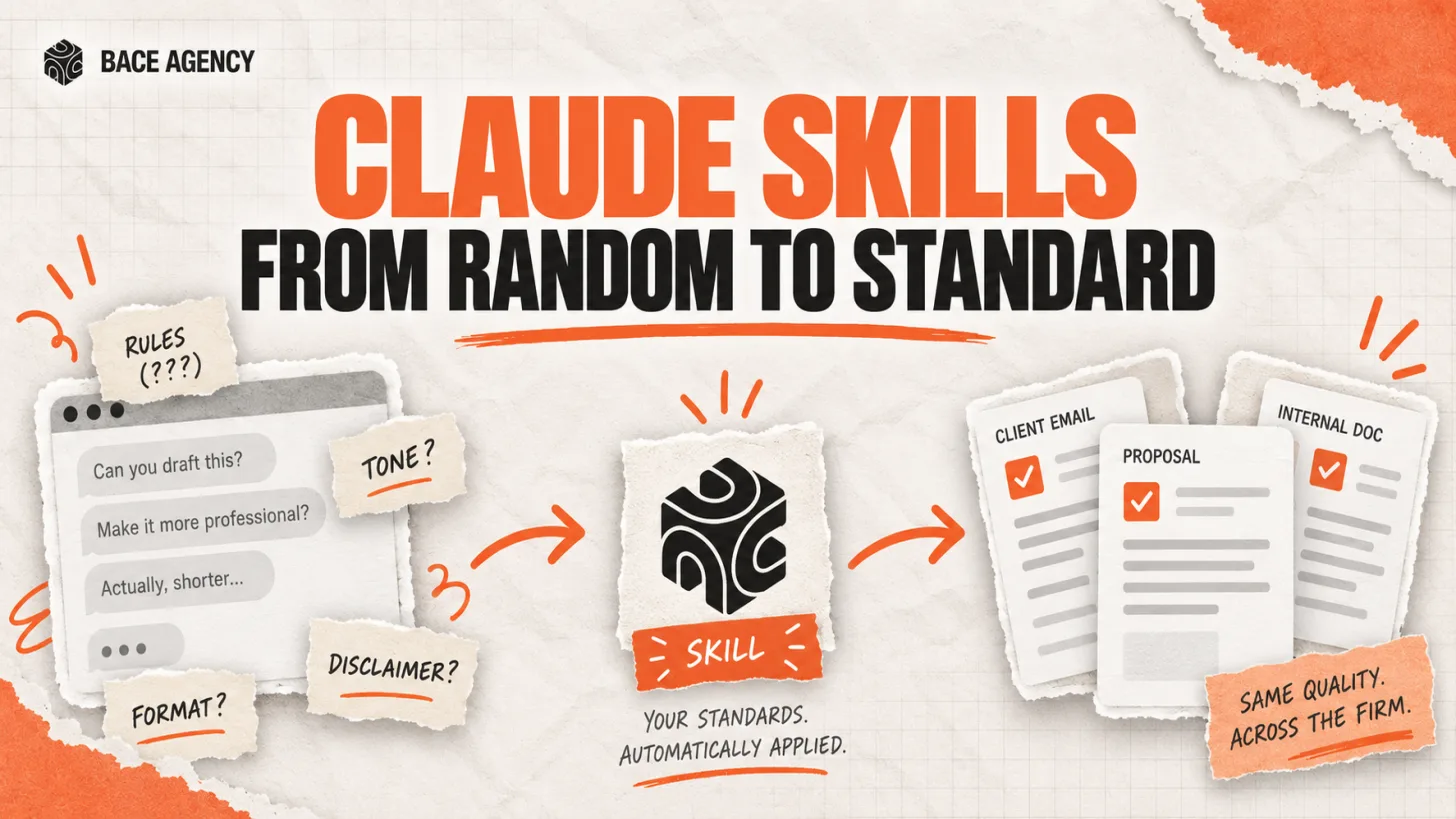
Claude Skills Give a Law Firm One AI Standard
One associate gets sharp drafts, another gets generic filler from the same tool. A Claude Skill turns one person's rules into a standard the whole firm can rely on.

Let AI Agents Handle Intake at Evanston Law Firms
Most Evanston firms still run intake on a phone and a Word template. The firms pulling ahead hand the whole new-matter pipeline to an agent, then review its work before anything reaches the client.

Oregon Federal Court Fines Lawyers $110,000 Over AI
Two lawyers were fined $110,000 for filing AI-invented case citations. The lesson is not to avoid AI. It is to verify it. Here is the workflow that prevents it.
About the author

Written by
Michael Pavlovskyi
Founder, Bace Agency
Michael builds custom Claude and GPT workflows for insurance agencies, law firms, and PE firms on Chicago's North Shore. Speaker at Northwestern and Lake Forest College on practical AI adoption for professional services.
Connect on LinkedInSee it in your firm
Book an audit.
A free 30-minute AI audit. No obligation, no pitch deck.
Book a free AI audit