
AI Fixes Family Office Bill Pay First
Bill pay is the quiet money pit of every family office. A small team, serious capital, and invoices checked by hand across five entities. That gap is exactly where money disappears. AI closes it.

AI bill pay for a family office means using AI to read every invoice, suggest the right entity and account code, route it to the correct approver, and flag any change in a vendor's banking details before payment moves. A person still approves every payment. The result is fewer manual errors, faster month-end close, and a real check against vendor fraud.
Key Takeaways
- ✓ A typical North Shore family office manages serious capital with a small team checking invoices by hand across multiple entities. That combination is where operational risk concentrates.
- ✓ The most common bill pay fraud is not a data breach. It is a vendor email with a changed bank account number arriving on a Tuesday when everyone is busy. AI flags that change before the payment routes.
- ✓ AI handles the mechanical layer: reading invoices, suggesting entity codes, routing to the right approver, flagging anything that breaks the known pattern. A person approves every payment before money moves.
- ✓ Getting started does not require replacing your accounting software. Most AI invoice tools connect to what the office already uses.
Two people. Five entities. Tens of millions in assets. One of them is manually routing invoices by email, chasing approvals, and posting payments to the right trust account before month-end close.
That is the reality of most family offices I work with on the North Shore. The capital is serious. The controls are not. Not because anyone is careless, but because bill pay has always been treated as a back-office nuisance rather than an operational risk. It is neither glamorous nor visible until something goes wrong.
Bill pay is where family offices are most exposed. It is high volume, low supervision, and almost entirely manual. It is the first workflow I look at with every office, because it is the first place AI makes a real, immediate difference. Not by saving a few hours a week. By closing the gap between the capital the team manages and the controls it actually has.
Where Is a Family Office Most Exposed in Bill Pay?
A family office is most exposed where invoice handling is manual and unsupervised. A multi-entity office runs separate bank accounts, approval chains, and expense coding for each trust, LLC, or household entity. Invoices arrive from property managers, investment advisors, insurance carriers, charitable vehicles, and household vendors. Each one needs the right entity, the right GL code, the right approver, and the right payment account before anything moves.
Most offices handle all of that manually. Someone reads the invoice, decides which entity it belongs to, types in the account code, forwards it for approval, follows up when the approval does not come back, and posts the payment once it does. The process works until it does not.
The failure mode is not a catastrophic system breach. It is a routine invoice from a vendor your office has paid a hundred times before, except this time the bank account number changed. The email looks right. The vendor name looks right. The amount looks right. Nobody checks the account number because nobody checks the account number on a routine invoice. The money moves to the wrong place, and by the time anyone notices, the window for recovery has closed.
This is the pattern AP technology specialists flag most frequently in family office operations. It is not exotic. It happens because manual review has limits, and a two-person team processing a hundred invoices a month is operating at those limits every month.
What Does AI Actually Do in Bill Pay?
AI handles the mechanical part of bill pay: reading, coding, and routing. The bill pay workflow breaks into four steps: capture, code, route, and reconcile. AI handles the first three. The fourth still needs a person who knows the entities.
Capture means reading the invoice: vendor, amount, date, line items, due date. AI does this accurately on standard PDFs and scanned documents. It handles varied layouts better than template-based OCR because it reads content rather than looking for fields in fixed positions. This is the same engine behind AI document processing for financial advisors, pointed at invoices instead of statements.
Coding means assigning the invoice to the right entity and GL account. AI learns from your coding history. After seeing how your team has handled prior invoices from the same vendor, it suggests the entity split and account codes. A person reviews and approves. The suggestions improve over time.
Routing means sending the invoice to the right approver based on the entity, amount, and vendor type. The rules live in the system, not in someone's memory. Invoices under a threshold go to one person. Larger amounts require a second sign-off. A specific entity routes to its trustee. Consistent, every time.
Reconciliation still needs a person. AI prepares the summary and flags discrepancies. A person closes the period. That is the right division of labor.
"The fraud risk in family office bill pay is not a hacker. It is a vendor email with a new bank account number that arrives on a Tuesday when everyone is busy. AI knows what that vendor's account number was last month."
Michael Pavlovskyi, Bace AgencyUse Case 1: Vendor Verification and Fraud Detection
The highest-value thing AI does in bill pay is not speed. It is checking every invoice against the known record before routing it for approval.
For every invoice that arrives, the AI checks: does this vendor match the known vendor list? Are the banking details identical to prior payments? Does the amount fall within the normal range for this vendor? Is there any language in the invoice requesting urgent payment, a change in payment method, or contact information that differs from prior invoices?
If any of those checks return a mismatch, the invoice is flagged before it reaches the approver. The flag does not block the payment. It creates a moment for a person to check before anything moves. That moment is what the manual process does not reliably provide.
For offices that want to keep invoice data within their own infrastructure rather than sending it to a cloud service, we cover the architecture question in our piece on running AI without sending data to the cloud.
SAMPLE CLAUDE PROMPT
"Review this invoice before routing for approval. Check: (1) does the vendor name and banking information match our vendor records for this payee exactly? (2) does the invoice amount fall within the normal range we have paid this vendor in prior months? (3) is there any language requesting urgent payment, a new payment method, or contact details that differ from prior invoices? Flag any mismatch and explain what changed."
Use Case 2: Invoice Capture and Multi-Entity Coding
The most time-consuming part of bill pay is also the most mechanical. AI reads the invoice and suggests the entity allocation and GL code. A person reviews and approves.
An invoice arrives. The AI reads it, pulls the key fields, matches the vendor to the vendor list, and suggests the entity split and GL code based on how your team has coded that vendor before. The suggestion goes to a person for review. They approve it or adjust it. The AI learns from the adjustment.
This works best for recurring vendors: property managers, investment managers billing advisory fees, insurance carriers, utilities. The first month requires more review. By the third month, suggestions for recurring vendors are accurate enough that review drops to a quick scan.
Invoices from new or unknown vendors are flagged for manual review rather than auto-suggested. That is correct behavior. A new vendor invoice is exactly when a person should look closely.
SAMPLE CLAUDE PROMPT
"Here is an invoice from [Vendor Name]. Based on our prior coding history for this vendor: which entity should this be allocated to, and what GL account codes apply? If this vendor has previously split invoices across entities, show the prior split percentages. Flag anything that looks different from prior invoices, including amount, bank details, or billing address."
Use Case 3: Month-End Reconciliation Prep
Month-end close across five entities is slow because the reconciliation is manual. AI prepares the summary and surfaces the discrepancies. A person closes it.
At month-end, someone has to match every payment to a bank transaction, confirm the entity allocation is correct, and verify that all approved invoices have been posted. In a busy month, this takes days and usually falls to whoever has the most context, which is often the same person who processed everything in the first place.
AI prepares the reconciliation summary automatically: all invoices processed in the period, their entity allocations, payment dates, and amounts, matched against bank transactions. Discrepancies appear flagged at the top. A payment posted to the wrong entity. A bank transaction without a matching invoice. An approved invoice that never moved. The person works through the list of flagged items rather than reconstructing the ledger from scratch.
The goal is not to remove the person from month-end close. It is to give them ten specific things to check rather than a raw ledger to reconstruct from memory.
SAMPLE CLAUDE PROMPT
"Here are the invoices processed this month and the bank transactions for each entity account. Prepare a reconciliation summary: (1) list all invoices matched to a bank transaction, (2) flag any invoice in the AP ledger without a matching bank transaction, (3) flag any bank transaction without a corresponding approved invoice, (4) note any entity allocation that looks inconsistent with the invoice content. Group results by entity."
How Do You Get Started With AI Bill Pay?
Start by writing down the current process, then build vendor verification rules, then set one firm approval rule. The technology comes last.
Write down the current process before touching any software
Map every step: how invoices arrive, who codes them, how approvals work for each entity, who releases payments, and how reconciliation happens at month-end. Do this separately for each entity if the processes differ. Most offices find two or three steps that are inconsistent or undocumented. Fix those first. You cannot automate a process you have not written down.
Build the vendor verification rules before anything else
Before setting up invoice coding or approval routing, define what "normal" looks like for each vendor: the account number, the typical amount range, the billing address, the contact information. This is the baseline the AI checks every invoice against. An office that skips this step loses most of the fraud protection value. It takes a few hours to build the vendor register. It is the most important step in the setup.
Set one firm rule: no payment releases without human approval
Every AI bill pay implementation needs one non-negotiable rule: a person approves every payment before it moves. AI reads, codes, routes, and flags. The person decides. That separation is what makes the system trustworthy and what protects the office when a fraud attempt arrives. Build this rule into the workflow from day one, not as a fix after something goes wrong.
The setup cost is mostly time, not software. We break down where the real spending goes in the real cost of an AI project.
What This Does Not Replace
AI does not replace the judgment of the person who knows which expenses are appropriate for which entity and which are not. It does not replace the trustee who understands a trust well enough to know whether a given payment falls within the distribution guidelines. It does not replace the family officer who notices that a vendor relationship has changed hands and the new owner is not on the approved list.
It also does not replace a real internal controls program. An office with weak controls does not become an office with strong controls by adding AI to the bill pay workflow. The AI follows the rules you define for it. Defining those rules clearly, who approves what, at what thresholds, through which entities, is a management decision. It has to happen before any technology is involved.
What AI replaces is the version of this work where a skilled person spends hours each month reading invoices, typing data, forwarding emails, chasing approvals, and manually reconciling the ledger. The person should be reviewing exceptions and making judgment calls. The machine should be handling the routing.
If you want to see what a practical bill pay setup looks like for a Lake Forest or Highland Park family office, a free 30-minute AI audit is the right starting point. We look at the current process, tell you where the exposure is, and outline what a first build would accomplish. In person on the North Shore or by video. No obligation.
Frequently Asked Questions
What is the most common bill pay fraud at a family office? +
Vendor impersonation with changed banking details. An invoice arrives that looks identical to prior ones from a trusted vendor, but with a different bank account number. Manual review rarely catches this because nobody checks the account number on a routine invoice. AI catches it by comparing the current invoice details against the known vendor record and flagging any change before routing.
Can AI handle bill pay across five or more entities? +
Yes. The system holds separate coding rules, approval chains, and payment thresholds for each entity, and produces consolidated reporting across all of them. Setup takes more initial configuration than a single-entity approach, but the workflow is more consistent because the rules are in the system rather than in someone's memory.
Does AI bill pay work with existing accounting software? +
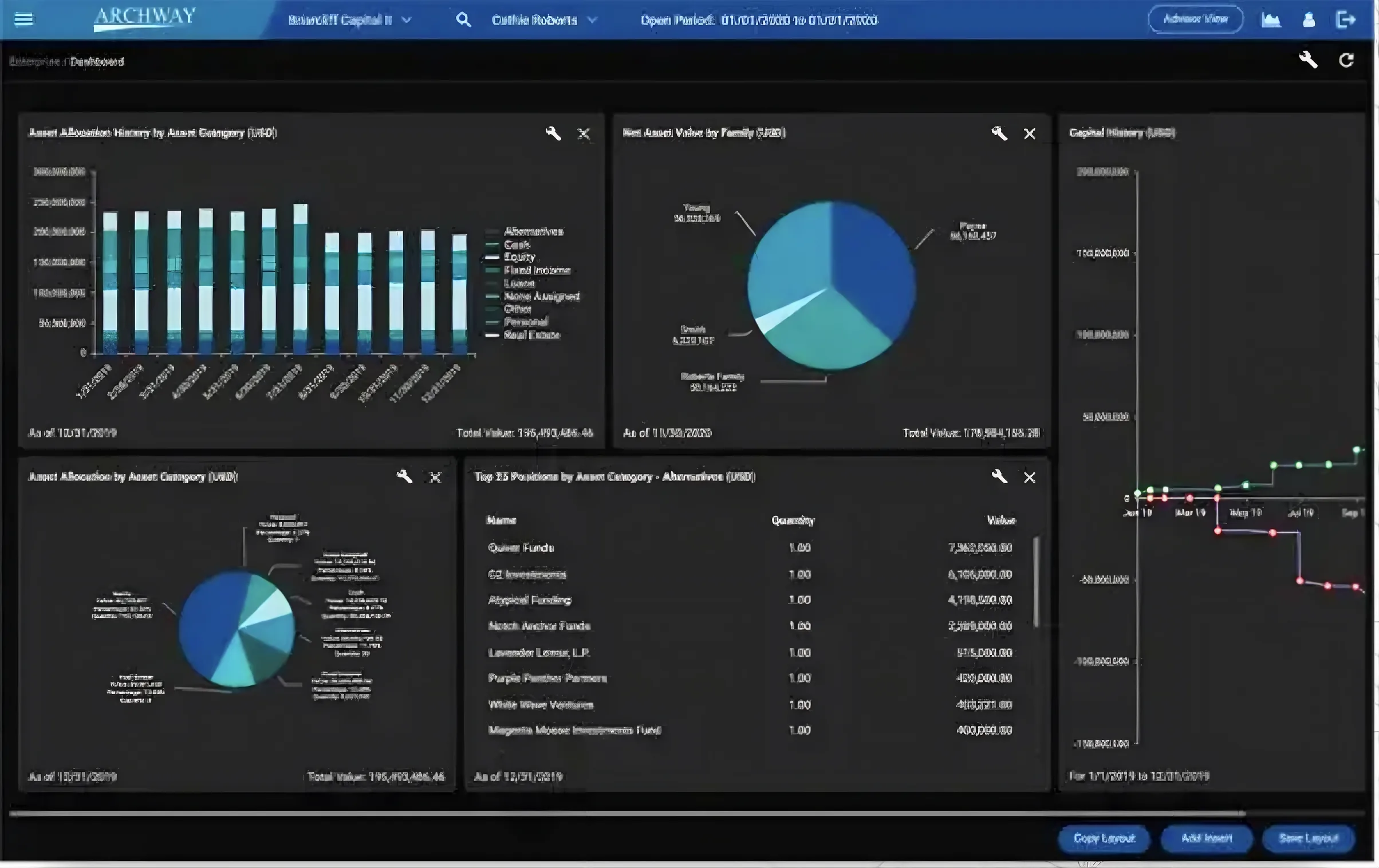
Most AI invoice tools connect to existing accounting platforms through standard integrations. The AI layer sits in front of your accounting software, handling capture, coding, and routing, then posting approved transactions to the ledger. Purpose-built family office platforms like Eton Solutions and Archway are designed for multi-entity workflows that generic AP tools handle poorly.
What is the data security situation with AI bill pay tools? +
Cloud-based AP tools send invoice data to external servers. For offices with fiduciary obligations or data sensitivity concerns, that is a question worth raising with legal counsel before choosing a vendor. For offices that want financial data to stay within their own infrastructure, local deployment options exist.
How long does it take to get a first bill pay workflow running? +
For a family office with documented processes and a clear vendor list, the first workflow can be running reliably in two to four weeks. The longest part is the initial setup: building the vendor register, defining approval rules for each entity, and configuring coding suggestions from historical data. Once that foundation is in place, the second workflow takes days rather than weeks.
Related Articles

RoundTable Buys a Skincare Brand, and Healthcare Private Equity Meets AI
A Lake Forest firm just bought a skincare brand. The deal is a window into where healthcare private equity is heading with AI, and why it is a strategy problem first.

Lake Forest Hire: Can the Back Office Scale with AI?
Crescent Grove named a 25-year family-office veteran its growth chief. A rainmaker brings relationships. The harder question is whether the back office can scale as fast as the book.
When a CRM Is Truly AI-Ready for RIAs
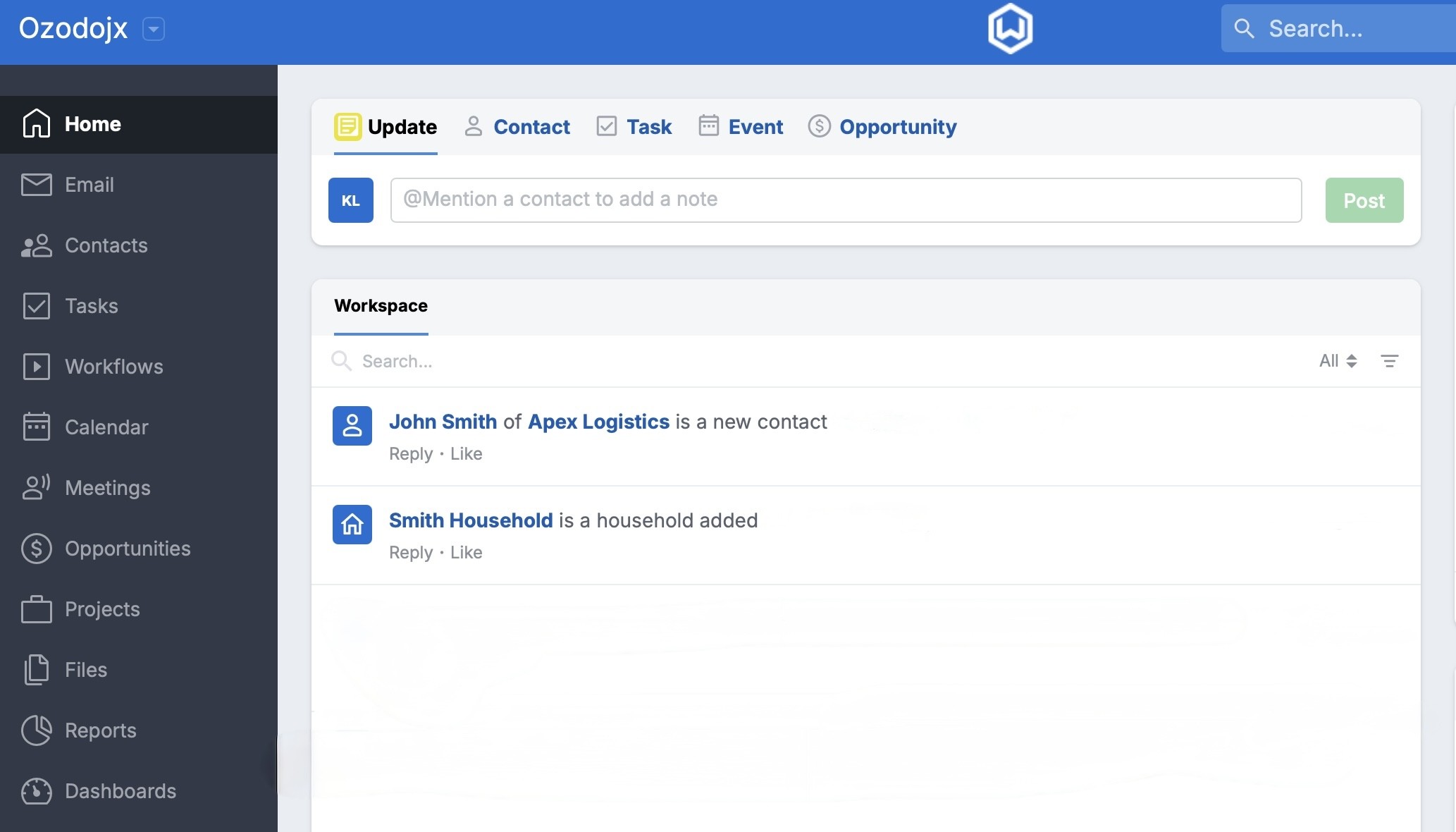
Every CRM demo now says AI. The question that matters is simpler: can a model read your client data and write back to it, under your control? Here are the three tests.
About the author

Written by
Michael Pavlovskyi
Founder, Bace Agency
Michael builds custom Claude and GPT workflows for insurance agencies, law firms, and PE firms on Chicago's North Shore. Speaker at Northwestern and Lake Forest College on practical AI adoption for professional services.
Connect on LinkedInSee it in your firm
Book an audit.
A free 30-minute AI audit. No obligation, no pitch deck.
Book a free AI audit